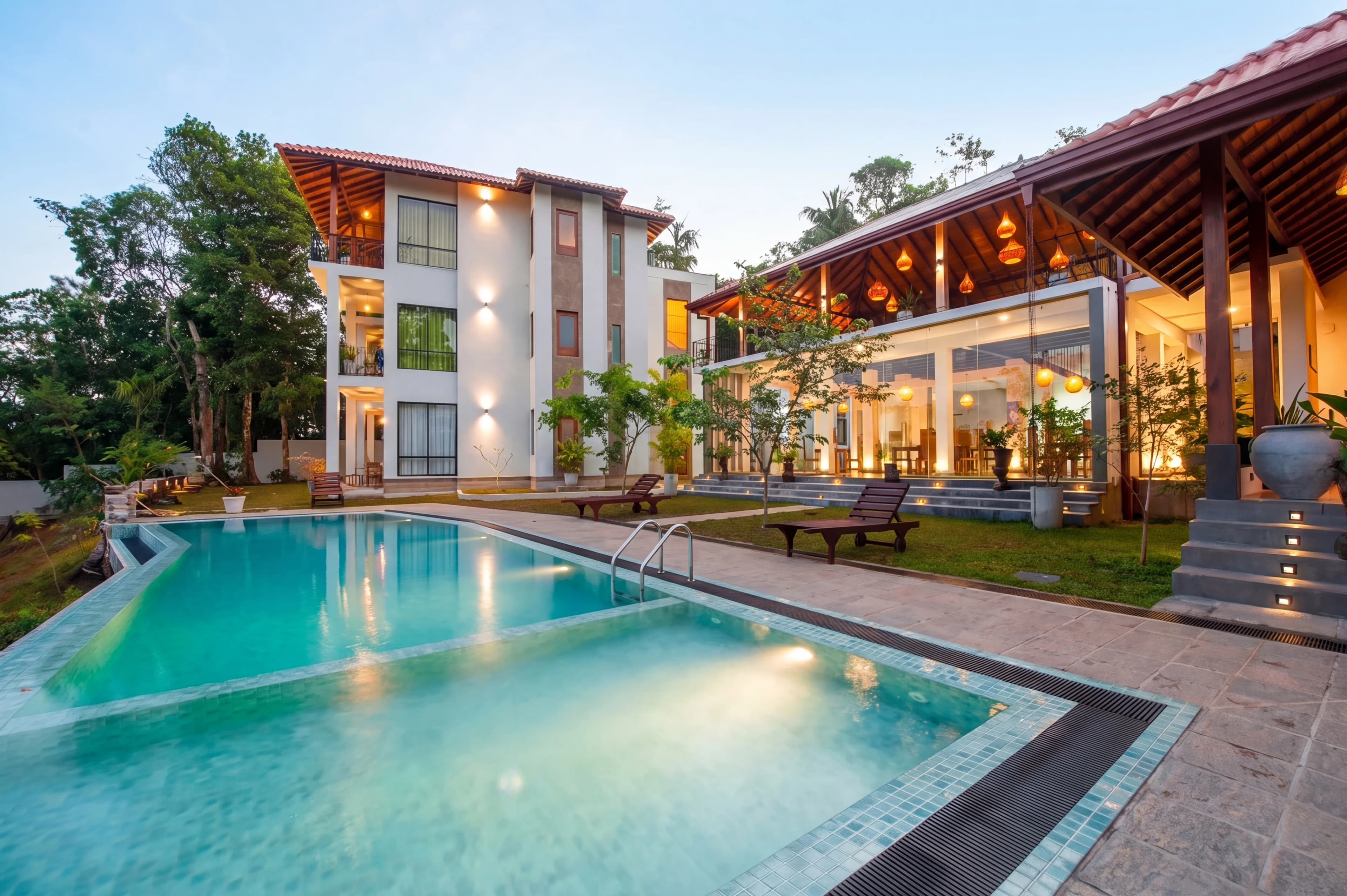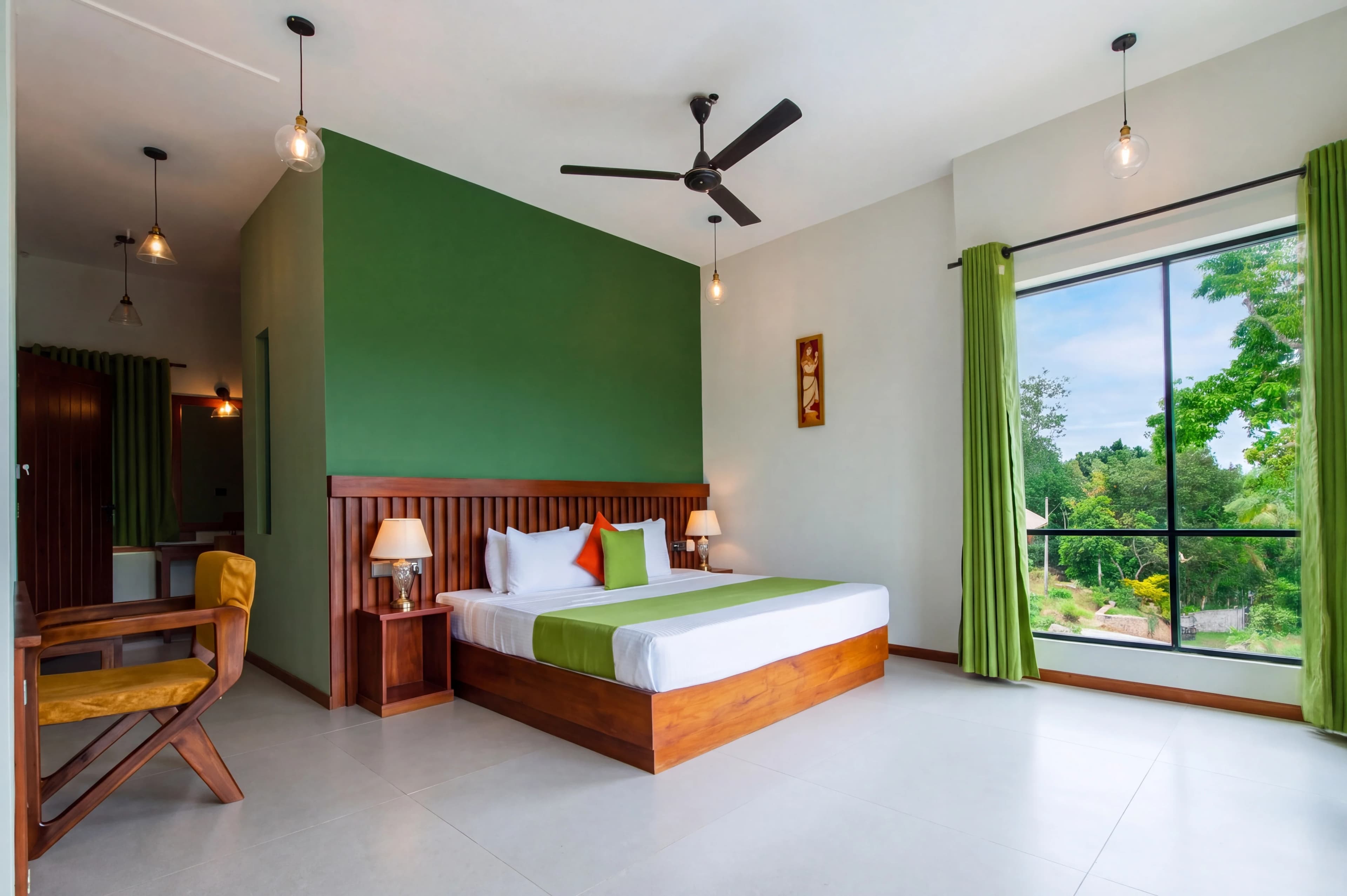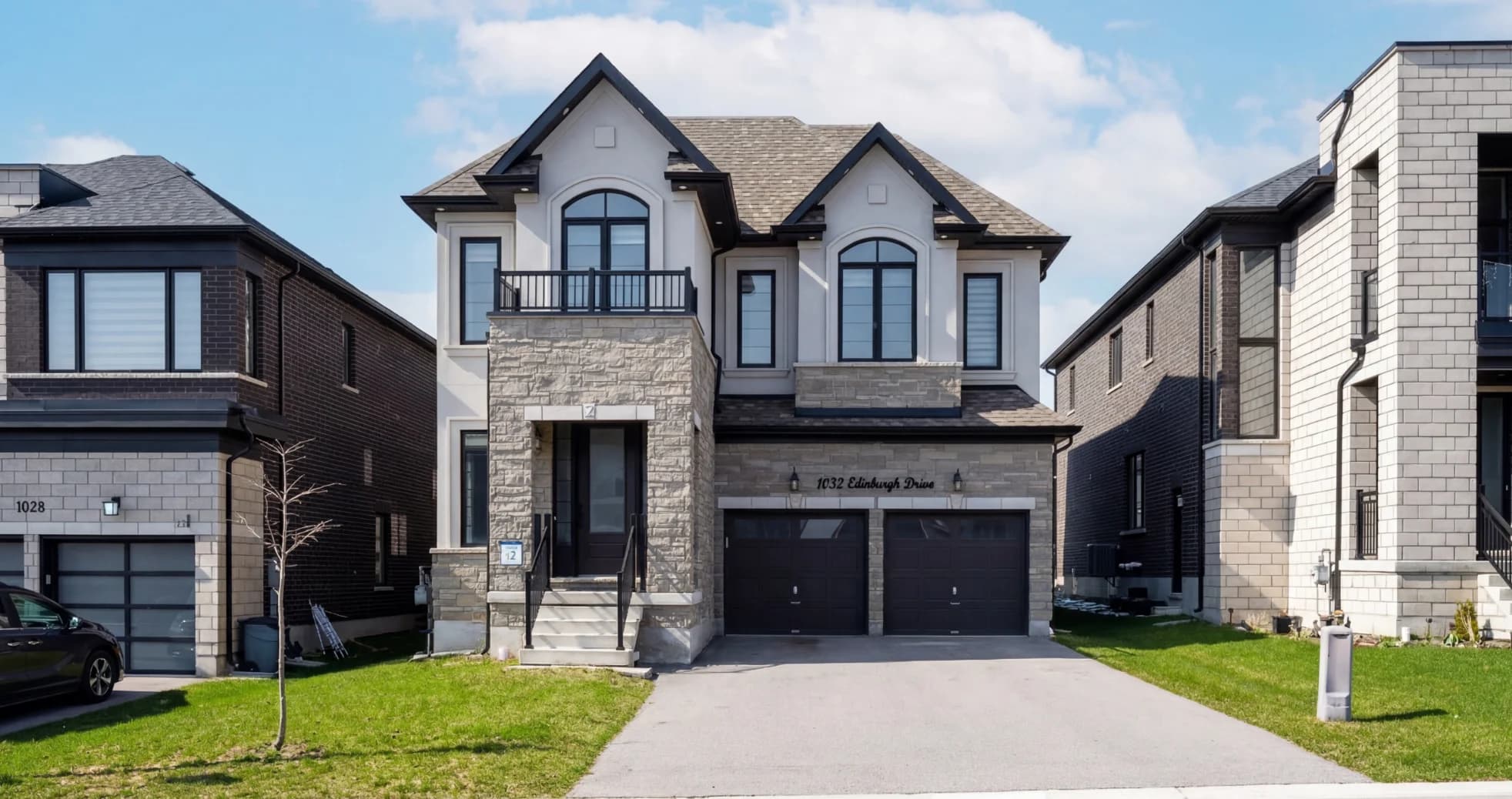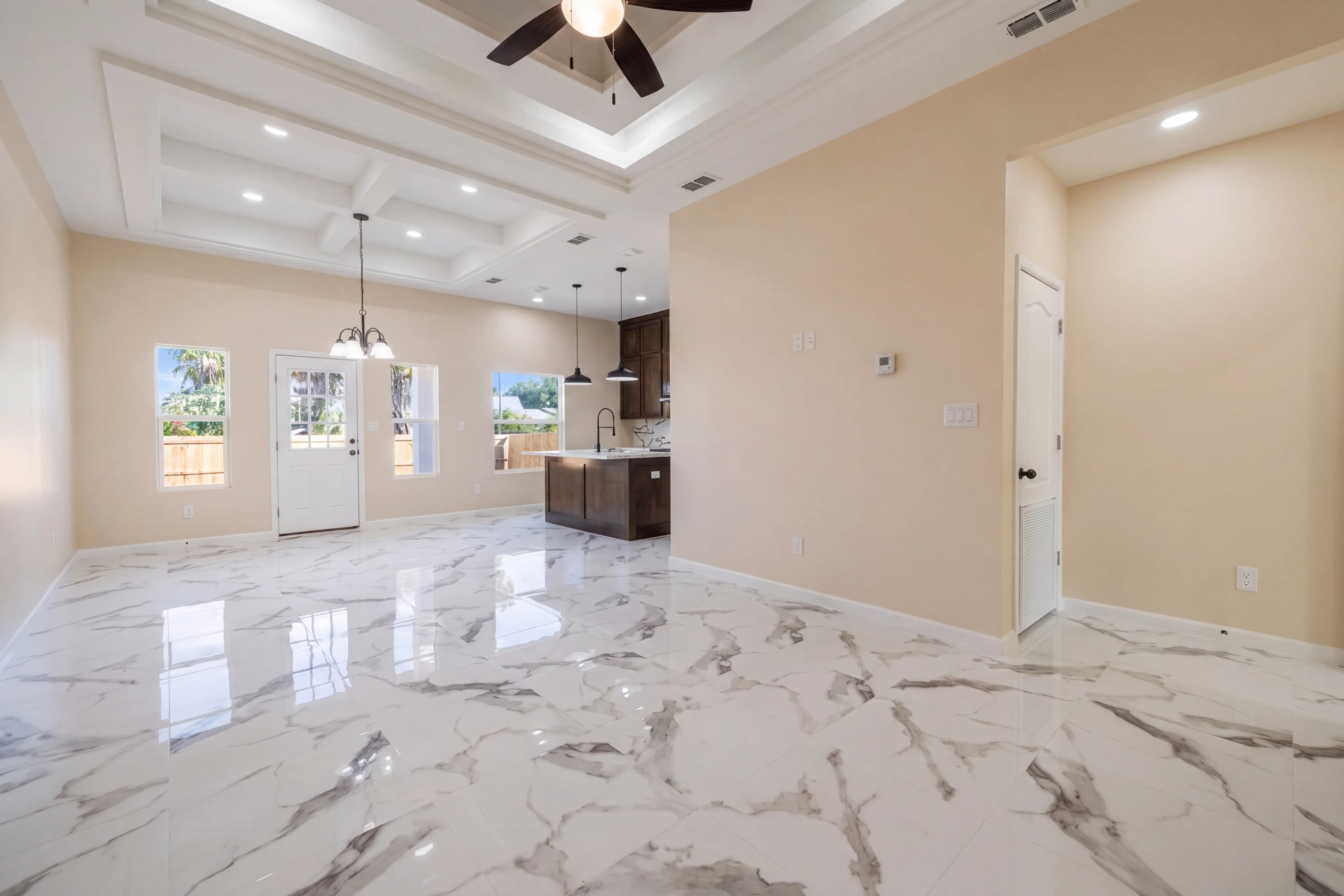
Ask any professional real estate photographer what they shoot in, and the answer is almost always the same: RAW. Ask a busy agent shooting their own listings, and it's almost always JPEG. That gap is one of the biggest quality differences between amateur and professional listing photos — and it has nothing to do with the camera.
RAW files hold far more information than JPEGs, and real estate photography happens to be the genre that needs that information most. This guide explains what RAW formats are, why they matter so much for listing photos specifically, how the editing workflow runs from capture to MLS, and how AI editing now does the hard part automatically.
Why RAW matters more in real estate than almost any genre
Every photo has a "dynamic range" problem: the difference between the brightest and darkest parts of a scene. In most photography it's manageable. In real estate, it's the entire job.
Walk into a living room with a bright window. Your eye sees a well-lit room and a view outside at the same time. The camera can't — it has to pick. Expose for the room and the window blows out to white; expose for the window and the room goes black. A JPEG bakes that choice in permanently at the moment of capture, discarding everything outside the chosen range.
A RAW file keeps all of it. The sensor records the full tonal range — bright window detail and dark shadow detail together — and stores it unprocessed, so you can recover both later in editing. For a genre defined by high-contrast interiors with windows in nearly every frame, that recovery headroom is the whole ballgame.
RAW formats, decoded
"RAW" isn't one format — each camera maker has its own. They all do the same job (store unprocessed sensor data); they just use different extensions.
| Format | Camera brand | Notes | |---|---|---| | NEF | Nikon | "Nikon Electronic Format" — common in real estate kits | | CR2 / CR3 | Canon | CR3 is the newer version on recent bodies | | ARW | Sony | Used across Sony's mirrorless lineup | | DNG | Universal (Adobe) | Open format; some cameras and phones shoot it directly | | RAF / ORF / RW2 | Fujifilm / Olympus / Panasonic | Same concept, different makers |
The practical takeaway: the extension doesn't change the workflow. Whether you shoot NEF, CR2, or ARW, the editing process and the benefits are identical. Any serious editing tool should accept all of them.
RAW vs. JPEG for real estate
| Factor | RAW (NEF/CR2/ARW) | JPEG | |---|---|---| | Tonal data retained | All of it | Compressed, baked-in | | Window/highlight recovery | Excellent | Limited to none | | Shadow recovery | Excellent | Introduces noise quickly | | White balance fix | Fully adjustable after the fact | Hard to correct cleanly | | File size | ~25–40 MB | ~5–10 MB | | Ready to share as-is | No — needs conversion | Yes | | Best for | Editing quality | Speed and storage |
JPEG isn't "bad" — it's just finished. The camera already made the exposure, color, and contrast decisions and threw away the rest. RAW hands those decisions to you (or your editing software) where they can be made correctly for the scene.
What RAW lets you fix that JPEG can't
The advantages are not abstract. They map directly to the edits every listing needs:
- Window pull. Recovering the exterior view through a bright window is the single most-requested real estate edit. RAW has the highlight data to bring it back; an overexposed JPEG window is usually gone for good. (More on this in our window pull guide.)
- Shadow recovery. Detail under cabinets, in closets, and behind furniture can be lifted from RAW without the heavy color noise that plagues lifted JPEG shadows.
- White balance correction. Interiors lit by a mix of warm bulbs, daylight, and fluorescents show color casts. RAW lets you reset white balance after the shot; JPEG locks it in.
- Highlight rolloff. Bright walls and light fixtures keep smooth, natural transitions instead of clipping to flat white.
- Bigger HDR latitude. Even from a single frame, RAW gives an HDR editing process far more to work with, producing balanced exposures without halos.
The RAW editing workflow, start to finish
For all its benefits, RAW adds steps. The standard real estate workflow looks like this:
- Shoot RAW (or RAW + JPEG) on location. For tough high-contrast rooms, bracket a few exposures.
- Import and back up. RAW files are large, so storage and organization matter from day one.
- Edit. Recover windows and shadows, correct white balance and color, straighten verticals, balance exposure across the set.
- Export to JPEG. This is the critical last step — MLS portals, Zillow, and most clients want JPEG, not RAW. You edit in RAW for quality, then convert for delivery.
That fourth step is non-negotiable: a RAW file is a digital negative, not a deliverable. The skill is doing the editing while the data is still RAW, then exporting a clean, full-resolution JPEG.
The real cost of RAW
RAW is not free. Before committing, know the tradeoffs:
- File size. RAW runs 3–10× larger than JPEG — roughly 25–40 MB per shot on a 24 MP camera. A full shoot is gigabytes.
- Storage and backup. Those files add up fast across dozens of listings a month.
- Editing time. RAW requires a conversion-and-edit pass. Done manually in Lightroom, that's where the hours go — which is exactly the bottleneck most photographers and agents hit.
Historically, this is the reason agents stuck with JPEG: RAW's quality wasn't worth the editing time. AI changes that math.
How AI changes RAW editing
The old tradeoff was "RAW quality or JPEG speed — pick one." AI editing removes it.
Modern AI tools process RAW files directly — reading the full sensor data, recovering windows and shadows, correcting color, and balancing exposure automatically — then export a finished, MLS-ready JPEG. You get RAW's quality headroom without the manual Lightroom pass. Upload the NEF, CR2, or ARW straight off the card; download a polished JPEG a few seconds later.
This is the entire reason to shoot RAW finally paying off for high-volume shooters and agents alike: the format's quality advantage with none of its time penalty. It also pairs naturally with an automated editing workflow, where a whole shoot of RAW files is processed in one pass.
When JPEG is genuinely fine
RAW isn't mandatory for everything. JPEG is a reasonable choice when:
- Lighting is even and controlled (overcast exteriors, well-lit rooms with no harsh windows).
- You need to deliver immediately with no editing step.
- Storage or card space is tight on a long shoot.
But for the high-contrast interiors that make up most listings — the rooms with the bright windows and the dark corners — RAW is what separates photos that look professionally edited from photos that look like snapshots.
Editing RAW real estate photos with fotolabs
fotolabs accepts RAW files directly — NEF, CR2, ARW, and more — and processes them through an AI pipeline trained on real estate photography. Upload straight from your camera and the model recovers windows, lifts shadows, corrects white balance and color, and balances exposure across the whole set, then delivers full-resolution, MLS-ready JPEGs in about 30 seconds per photo. No Lightroom, no manual conversion, no per-image presets.
It's built for the photographers and agents who want RAW quality without the RAW workload. See how it fits a photographer's workflow, browse the full feature suite, or check pricing and run it on a shoot of your own RAW files.