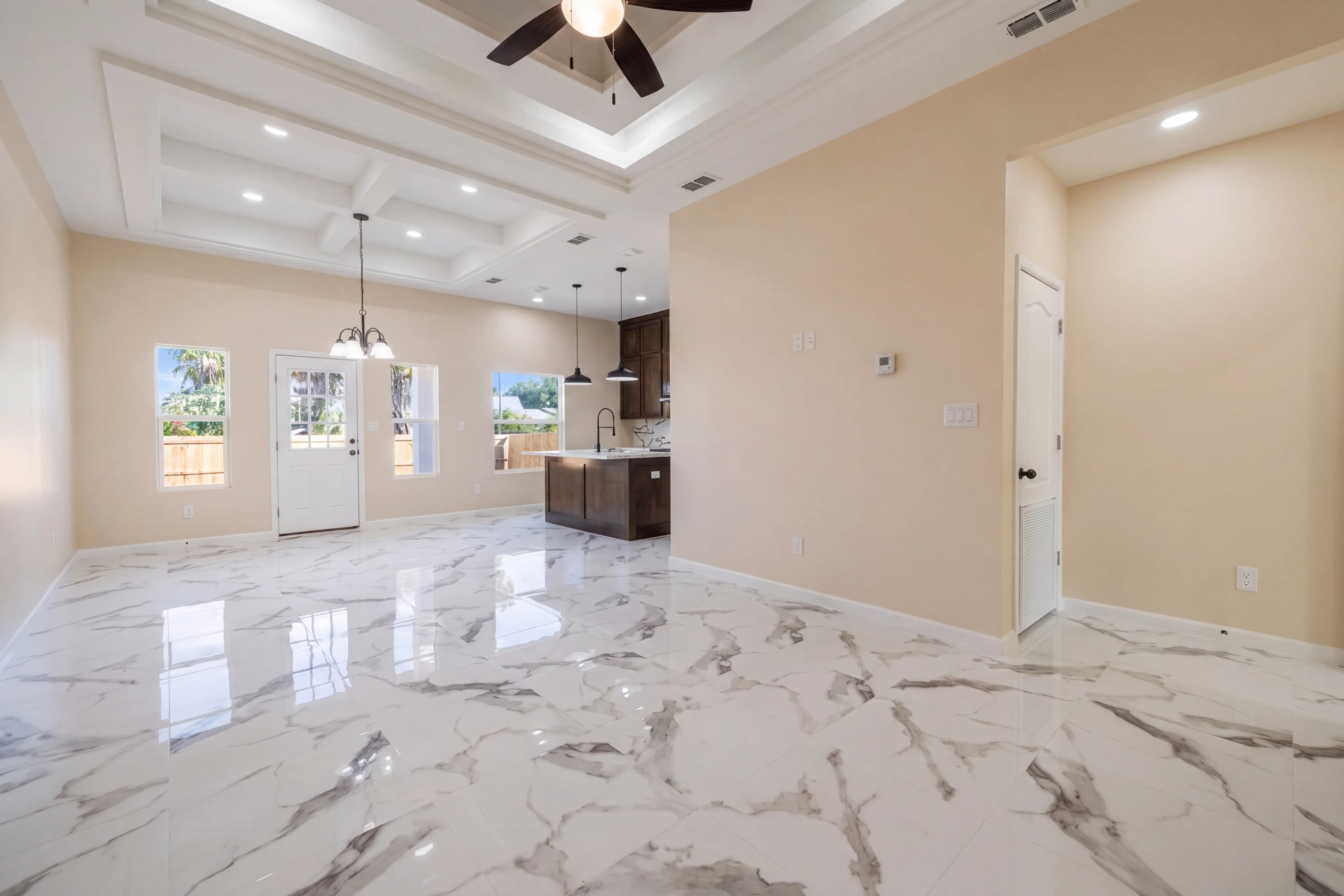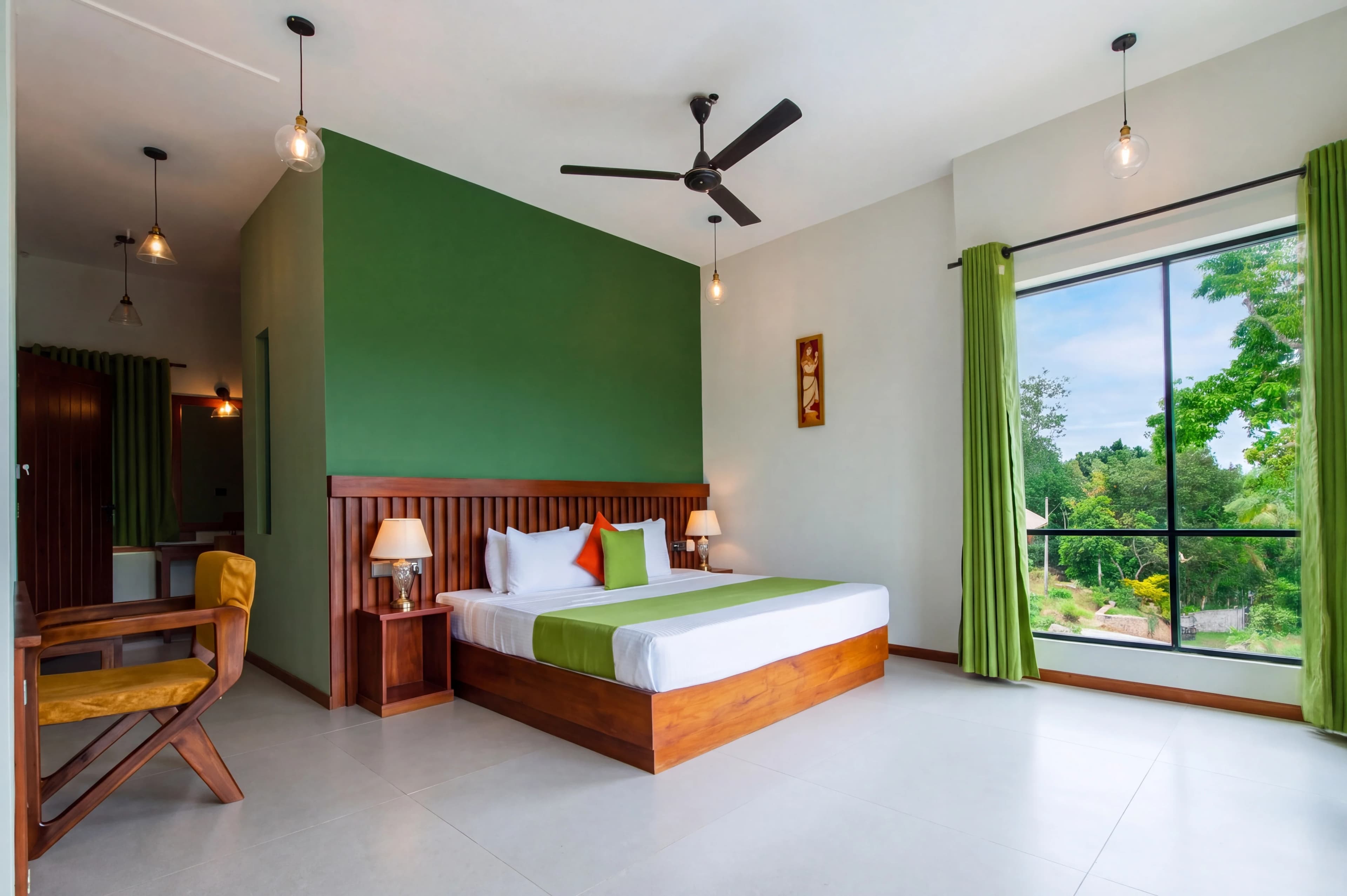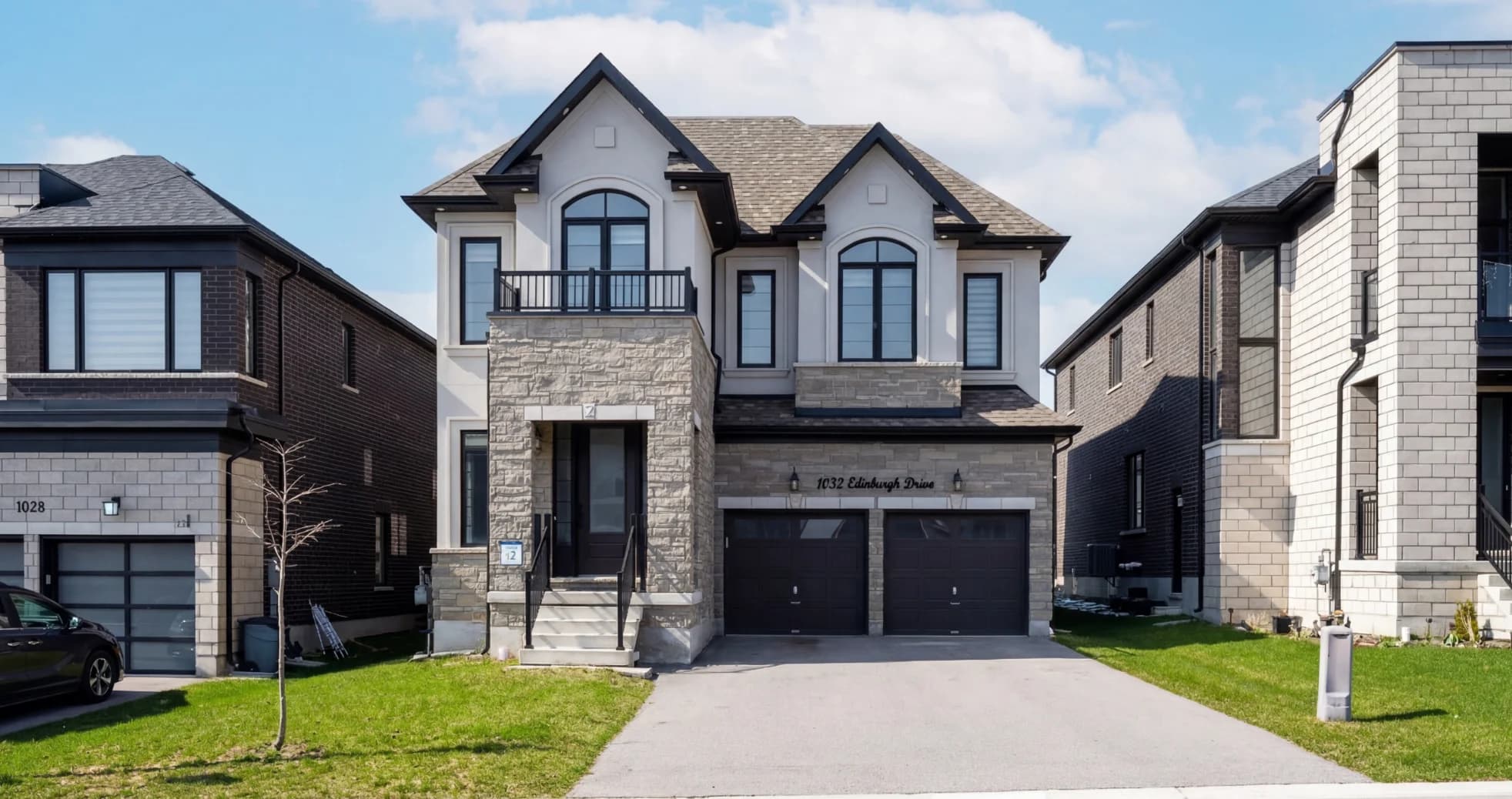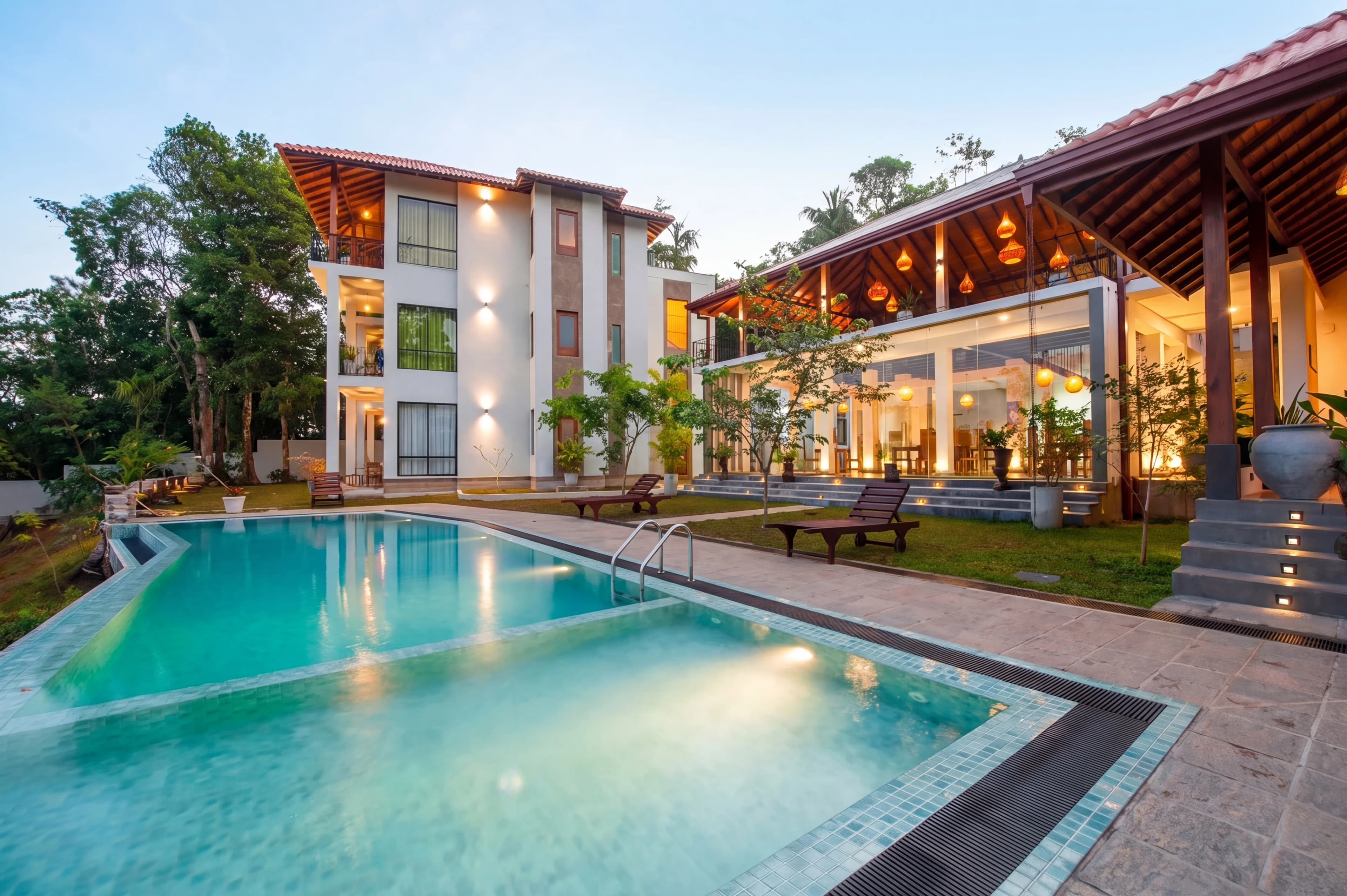
A listing photo taken in a dim bedroom at noon doesn't look like what a buyer experiences when they walk through at the same time. The camera compresses dynamic range, flattens texture, and picks a white balance that satisfies the bright window at the expense of the room. The resulting image looks small, flat, and dark — even if the room isn't.
AI real estate photo enhancement is the step between "what the camera captured" and "what makes a buyer schedule a showing." This guide covers how it works, which problems it actually solves, and what to look for when choosing a tool.
What AI Enhancement Does That Lightroom Doesn't
Traditional editing in Lightroom or Photoshop is manual and global. You pull exposure up for the whole image, which blows out the windows. You correct the white balance for the room, which makes the window view look cold. You fix one thing and break another.
AI-based enhancement uses models trained on millions of real estate images to make decisions the way an experienced retoucher would — locally, not globally. It knows that the window should be treated differently than the wall next to it, that the wood floor has a different color temperature than the ceiling, and that sky replacement requires a pixel-perfect mask around the roofline.
The practical differences:
| Task | Manual Editing | AI Enhancement | |---|---|---| | Exposure balancing | Global slider, clips highlights | Zone-aware, preserves windows | | Sky replacement | Manual masking (15–45 min) | Automatic masking (<30 sec) | | Color consistency across 30 photos | Manual, subjective | Batch-consistent, automated | | HDR blending | Requires bracketed shots | Single-shot, AI-synthesized | | Turnaround | 1–3 days (outsourced) | Minutes |
The Six Problems AI Enhancement Actually Solves
1. Blown-Out Windows
The most common complaint in real estate photography. The camera chooses an exposure that keeps the interior bright, and the windows go completely white — no view, no sky, no depth.
AI enhancement uses luminosity masking and content-aware techniques to balance the interior and the exterior in a single shot. You don't need to bracket exposures or shoot HDR sets. One image, correct exposure across the entire frame.
2. Flat, Muddy Colors
Interior paint colors photograph differently than they look in person. Warm whites pull yellow under incandescent light. Gray walls look blue near windows. AI enhancement corrects these shifts using scene-aware white balance — it identifies the light sources in the image and corrects each zone accordingly, rather than applying a single global adjustment.
3. Dull or Overcast Skies
Exterior photos shot on overcast days show a flat, white-gray sky. It reads as gloomy to buyers and undersells the property. AI sky replacement swaps the sky with a realistic alternative — blue sky with light cloud cover, golden hour warmth, or dramatic sunset — without touching the building, landscaping, or any other part of the image.
The mask precision matters. Lower-quality tools leave a visible halo around rooflines, chimneys, and tree branches. Good AI enhancement handles these edges cleanly.
4. Inconsistent Color Across a Shoot
A 30-photo listing shoot spans multiple rooms with different lighting conditions. Without correction, each room looks like it belongs to a different house. Buyers notice this subconsciously — the listing feels disjointed, lower quality, less trustworthy.
AI tools that process batch shoots apply a consistent color profile across all images from a property. The kitchen, master bedroom, and backyard all look like they belong together.
5. Dark or Poorly Lit Rooms
Rooms without good natural light — basements, interior bathrooms, hallways — photograph dark even with ceiling lights on. AI enhancement brightens these spaces while preserving realistic texture and avoiding the over-edited, fake-bright look that experienced buyers recognize immediately.
6. Minor Object Removal
Power lines crossing the sky, a garden hose left in the yard, a lawn sign from the current owner, trash cans visible from the street. AI content-aware removal handles these in seconds. The tool identifies what's behind the object and fills it in using surrounding context — no manual cloning required.
What AI Enhancement Cannot Do
Being clear about limitations matters. AI enhancement is not the same as virtual staging, and it's not a replacement for good photography technique.
AI enhancement cannot:
- Add furniture to an empty room (that's virtual staging, a separate process)
- Fix severe motion blur or out-of-focus shots
- Reconstruct missing architectural detail obscured by an object
- Make a genuinely small room look large
- Correct images shot in completely wrong lighting conditions (pitch black, direct harsh noon sun)
The best results come from photos that are properly composed and in focus, even if the exposure and color need work. AI handles the post-processing; it can't compensate for a bad shoot.
How to Evaluate AI Real Estate Photo Enhancement Tools
Quality of Sky Replacement Masking
Ask for samples with trees, complex rooflines, or decorative railings. These are where cheap tools fail. Look for: no visible halo, realistic blending at the horizon, coherent lighting direction (a setting sun on the left shouldn't cast shadows to the left on the building).
Batch Consistency
If you're processing 30-photo shoots, the tool needs to apply consistent color and exposure across all images. Test with a multi-room shoot and check whether rooms look like the same property.
Turnaround Time
For MLS deadlines and fast-moving markets, turnaround matters. Tools that process images in the cloud return results in minutes. Services that route through human editors add hours or days.
Output Resolution
Full-resolution output matters for print marketing, large-format displays, and future-proofing. Some AI tools downsample images during processing. Check that what you get back matches what you uploaded.
Style Options
Different markets and price points call for different aesthetics. A luxury listing in Beverly Hills should look different from a starter home in Phoenix. Tools with multiple style presets (bright and airy, warm, luxury, natural) let you match the aesthetic to the property.
Turnaround Time vs. Quality: The Real Tradeoff
The fastest AI tools process images in under 30 seconds. The most thorough human retouching takes 2–3 days. Most photographers and agents land somewhere in the middle — they want results within a few hours at most, without sacrificing the edge details and color quality that make a listing stand out.
The tools that have closed this gap most effectively use AI for the heavy lifting (exposure, color, sky) and quality checks for the edge cases (unusual masking, unusual lighting). You get speed without the artifacts.
What Results Should Look Like
Well-enhanced real estate photos share a few consistent qualities:
- Windows are balanced — visible exterior, correct interior exposure, no blown highlights
- Colors are accurate — walls match their true paint color, wood tones are warm without being orange
- Sky looks natural — not oversaturated, not a stock-photo sunset that doesn't match the lighting on the building
- Consistent across rooms — the entire listing looks like one coherent property
- Not over-processed — no HDR halos, no fake brightness, no plastic texture
The goal is photos that look like they were taken by a professional photographer on a perfect day — not photos that look edited.
Getting Started
fotolabs processes real estate photo shoots with AI enhancement tuned specifically for property listings — exposure balancing, sky replacement, color correction, and batch consistency across full shoots. Upload photos, choose a style, and get results back in minutes.
The before-and-after difference is most visible on the images that look worst straight from the camera — the dark bedroom, the overcast exterior, the window-blown kitchen. Those are the images that AI enhancement changes most dramatically, and the ones buyers see first.