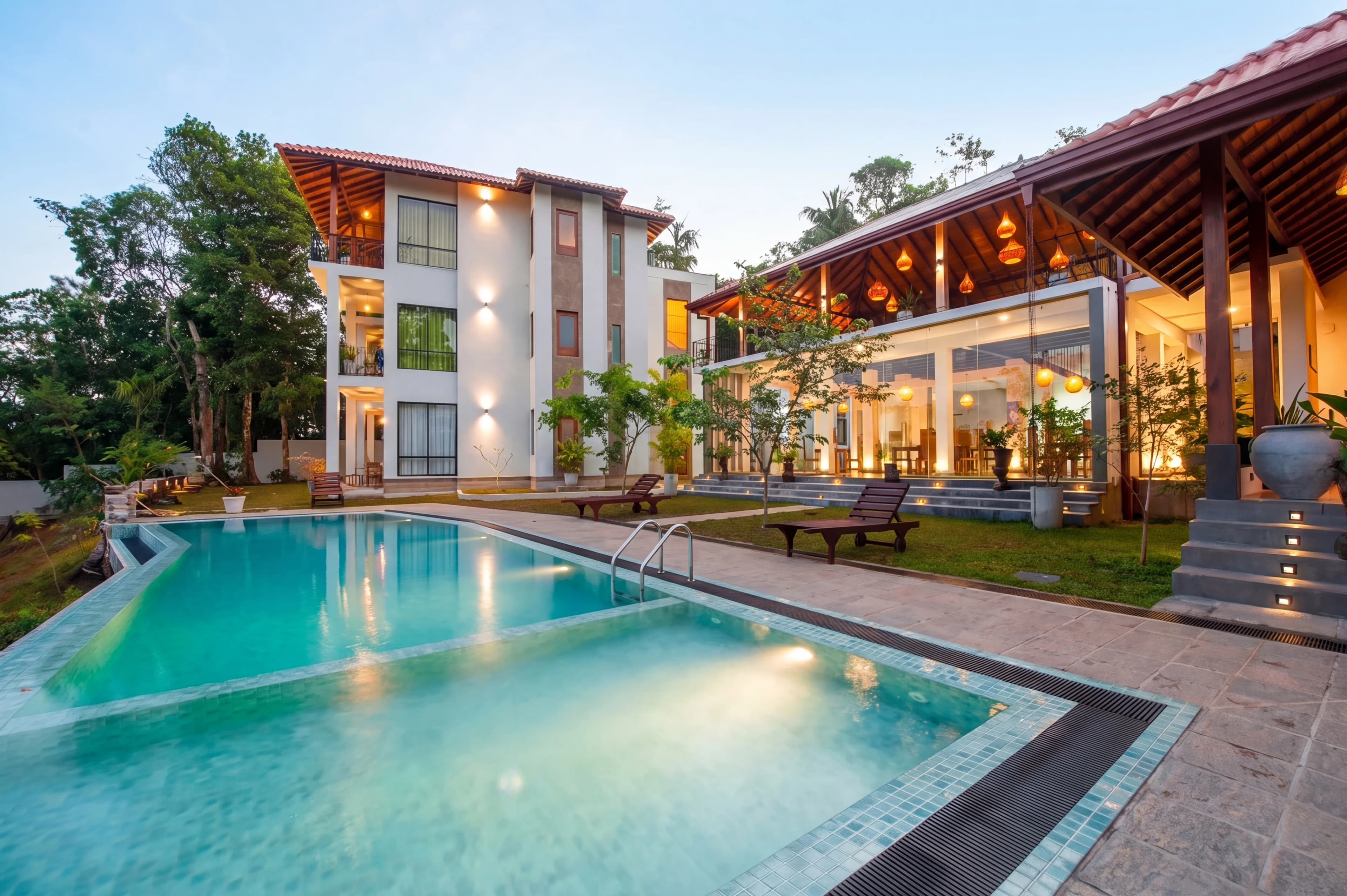
A typical listing shoot produces 25 to 40 photos. Multiply that by the number of listings a busy agent or photographer handles in a month, and the editing — not the shooting — becomes the single biggest time sink in the entire marketing process.
Automated real estate photo editing exists to remove that bottleneck. Instead of opening each file in Lightroom or shipping the batch to an outsourced editor and waiting two days, you upload the whole shoot, software edits every image, and you get listing-ready photos back in minutes. This guide explains how automation actually works, what it can and can't replace, and how to evaluate the tools so you pick one that fits your volume.
What "automated" photo editing actually means
Automation means the editing decisions — exposure, white balance, window recovery, color, sky — are made by software and applied across an entire batch with minimal manual input. There are three broad levels of it, and they're easy to confuse:
- Preset automation — Lightroom or Capture One presets apply a saved look in one click. Helpful, but only semi-automated: presets don't adapt to each room's lighting, so you still tweak every image by hand.
- Outsourced editing — you hand the shoot to a human editing service. It's "automated" from your side in the sense that you don't touch the files, but it's slow and priced per image.
- AI automation — software analyzes each photo individually, makes the corrections a retoucher would, and applies them consistently across the whole shoot in seconds.
This guide focuses on the third kind, because it's where the time and cost savings actually come from. The other two either still require manual work or trade your time for someone else's invoice and turnaround.
The three things real automation handles
True automation isn't just a one-click filter. It handles the parts of the workflow that eat your day:
- Batch intake — upload an entire shoot at once instead of one file at a time.
- Automatic detection — the software recognizes exposure brackets, tells interiors from exteriors, and reads each scene without you sorting files first.
- Consistent application — the same look lands on every photo, so a listing reads as one cohesive property instead of 30 separately-edited images.
Why manual editing doesn't scale
Manual editing works fine for one listing a month. It falls apart the moment volume goes up, for three reasons.
The time math is brutal. Editing a real estate photo by hand — exposure blend, window pull, color correction, vertical straightening — runs 5 to 20 minutes per image depending on difficulty. A 30-photo listing is anywhere from 2.5 to 10 hours of editing. For a photographer shooting ten listings a week, that's a second full-time job.
Consistency drifts. Even a skilled editor's choices wander across a long shoot — the kitchen comes out slightly warmer than the living room, the third bedroom a touch darker. The result looks subtly disjointed, which undercuts the "professional" signal good photos are supposed to send.
Turnaround blocks the listing. Outsourced editing typically adds 24 to 48 hours. In a fast market, that delay can push a listing's go-live past the weekend it needed to hit. Automation collapses that wait to the length of a coffee break.
How automated AI editing works
Behind the "upload and wait five minutes" experience is a consistent pipeline. Understanding it helps you judge whether a tool is genuinely automated or just a dressed-up preset.
- Upload the full shoot. Drag in every file — JPEG or RAW — without presorting. Good tools accept the whole folder at once.
- Automatic detection. The software reads EXIF data and pixel content to group exposure brackets, separate interiors from exteriors, and identify scene type. This is the step that removes manual sorting.
- Per-image processing. Each photo gets exposure balancing, HDR blending, color correction, window recovery, and (where requested) sky replacement — decisions made individually but applied to a shared standard.
- Review and touch-ups. You scan the results and flag anything that needs a tweak. The best tools let you request a specific change rather than redo the whole edit.
- Export. Full-resolution, MLS-ready files, formatted for Zillow, Realtor.com, and the major platforms.
The detection step in #2 is what separates automated AI editing from a batch preset. A preset applies the same numbers to every file; automation reads each scene and adjusts — which is why a south-facing room in harsh sun and a north-facing room in flat light both come out looking right. For the mechanics of processing many images at once, see our deeper guide to batch photo editing for real estate.
Manual vs. outsourced vs. automated AI
The three approaches trade off on speed, cost, consistency, and how much control you keep.
| Factor | Manual (DIY) | Outsourced editor | Automated AI | |---|---|---|---| | Turnaround | Hours per listing | 24–48 hours | Minutes | | Cost per photo | Your time | $1.50–$4.00 | ~$0.25–$0.60 | | Consistency | Varies by fatigue | Varies by editor | High — one standard | | Scales with volume | Poorly | Linear cost | Near-flat cost | | Control | Full, per pixel | Revision requests | Instant touch-ups | | Learning curve | Lightroom skills | None | None |
Manual editing gives you total control at the cost of your time. Outsourcing buys back the time but adds cost and a multi-day wait. Automated AI is the only option where cost and turnaround stay flat as your listing count climbs — which is precisely why high-volume operators move to it first.
What to look for in automated editing software
Not all "AI editing" tools automate the same amount. When you evaluate options, check for:
- Whole-shoot upload with no presort — if you have to sort brackets or separate interiors yourself, it isn't fully automated.
- Automatic bracket and scene detection — the tool should read EXIF and pixels, not rely on you labeling files.
- Consistency across a shoot — request a sample on a full set, not a single hero image, and check that room-to-room color holds.
- Full-resolution and RAW support — MLS and print need full output; some tools quietly downsample.
- A touch-up path — automation gets ~90% right; you want a fast way to fix the last 10% without re-editing everything.
- Real turnaround — cloud AI returns results in minutes. If "automated" still routes through human editors, you're back to a day-plus wait.
- Workflow fit — galleries, client delivery, and per-client presets matter if you're a photographer serving multiple agents.
Where automation still needs a human
Automation is not magic, and honest expectations make it more useful. It will not:
- Reframe a shot. Composition is decided at capture — software can fix exposure and color, not a crooked angle or a cut-off ceiling.
- Invent missing detail. A badly out-of-focus image or a window blown to pure white in the original has no detail to recover.
- Make brand-level creative calls. A signature editorial look for a luxury brand may still warrant a human pass on hero images.
The right mental model: automation handles the repetitive, technical 90% of editing instantly and consistently, freeing you to spend human attention only on the handful of images that genuinely need it.
Who benefits most from automating
- High-volume photographers gain the most — automation turns a second full-time editing job back into minutes, and same-day delivery becomes a selling point. (See how it fits a photographer's workflow.)
- Brokerages and teams get a single quality standard across every agent without policing each person's editing.
- Agents shooting their own listings get professional-grade results without learning Lightroom or paying per-image editing invoices.
Automated real estate editing with fotolabs
fotolabs is an automated editing pipeline trained specifically on real estate photography. Upload a full shoot — JPEG or RAW, brackets detected automatically — and every image comes back with balanced exposure, accurate color, recovered windows, and a consistent look across the listing, typically in about 30 seconds per photo. Output is full-resolution and MLS-ready, and if a result needs adjusting, you can request a touch-up instead of starting over.
Pricing is per listing rather than per image, so the cost of editing stays flat whether you process one listing a month or twenty a week. You can browse the full feature suite, check pricing, or compare it against doing the math yourself in our cost comparison guide. The fastest way to judge automated editing is to run it on your own shoot and see whether the output holds up across every room — not just the hero shot.