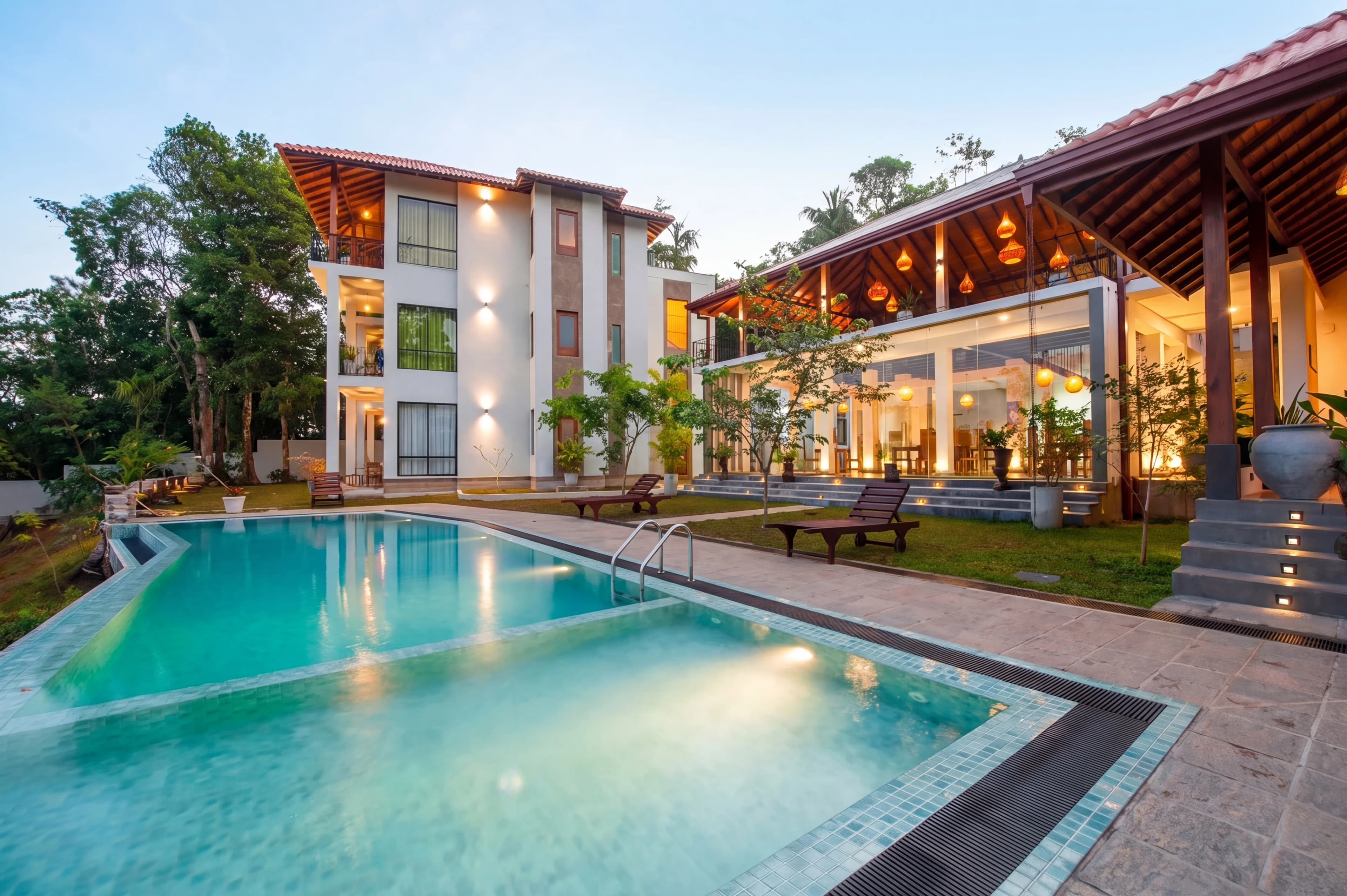
Your Zillow listing photos do more than show a house — they decide whether a buyer ever clicks into your listing at all. The cover photo is the only image that appears in search results, and listings with professional photos get 61% more views than those without. Get the specs wrong and your images upload blurry, get rejected, or display poorly across devices. Get them right and you've already won the first impression.
This guide covers exactly what Zillow requires — file formats, sizes, resolution, photo count — plus the best practices and editing details that separate a listing buyers scroll past from one they save. Whether you're an agent uploading directly or a photographer delivering a set, here's everything you need.
Zillow Photo Technical Requirements
Zillow's upload requirements are forgiving on the high end and strict on the low end. Here's what the platform actually supports:
| Requirement | Zillow Spec | |---|---| | File formats | JPG, GIF, PNG, or TIF | | Maximum file size | Under 50 MB per photo | | Recommended resolution | 2048 × 1536 (safe default) | | Minimum (most MLS) | 1024 × 768, often raised to 1280 × 960 or 1920 × 1080 | | Orientation | Landscape (3:2 or 4:3 aspect ratio) | | Branding | No watermarks or agent branding | | First photo | Front-exterior shot |
A few things worth calling out:
- JPG is your safe choice. It's universally supported and compresses efficiently. Reserve PNG/TIF for special cases — they produce larger files with no visible benefit for listing photos.
- 2048 × 1536 is the sweet-spot output size. It clears virtually every MLS minimum, stays well under every maximum, and processes quickly across platforms. Going much larger doesn't improve display quality and slows uploads.
- Landscape only. Portrait and square photos display poorly in Zillow's gallery and many MLSs reject them outright. Shoot and crop to 3:2 or 4:3.
- No branding. Watermarks, logos, and agent overlays violate Zillow and most MLS rules and can get a listing flagged or removed.
Why Resolution Matters More Than You Think
If you upload an image below the recommended resolution, Zillow will display it — but it'll look soft on retina laptops, phones, and tablets, which is where most buyers browse. Don't over-compress to shrink file size; you have 50 MB of headroom. Export at full quality and let the platform handle delivery.
How Many Photos Should You Upload?
This is the most common question, and Zillow has published research with a clear answer: 22–27 photos is the optimal range. Listings in this range sell faster and attract more engagement than those with fewer than 9 or more than 35.
- Under 9 photos signals a problem — buyers assume you're hiding something.
- Over 35 photos dilutes impact and buries your strongest shots.
- 22–27 photos tells a complete story: every room, the key features, and the exterior, without padding.
Quality still beats quantity. Twenty-five sharp, well-lit, professionally edited photos outperform forty mediocre ones every time.
The Cover Photo: Your One Shot at a Click
The cover photo (your first image) is the single most important photo in the entire listing — it's the only one shown in search results. Everything else only matters if this photo earns the click.
What makes a strong cover photo:
- Strong natural light — shot during golden hour for warm, inviting tones
- A clean front exterior that communicates curb appeal and scale, or
- An aerial drone shot that shows the property in its context (lot, surroundings, water, or views)
- A composition that feels aspirational without looking staged or over-processed
If the exterior is unremarkable, a wide, bright shot of the best interior space — a vaulted living room or a stunning kitchen — can outperform a plain facade. Test what makes your specific property look its best.
Photo Order: Tell a Story, Not a Slideshow
Buyers who get confused by a random photo sequence click away. A strong gallery walks the buyer through the home the way they'd experience it in person:
- Exterior front — curb appeal, the hero shot
- Entryway — the first impression inside
- Main living space — where buyers picture their life
- Kitchen & dining — often the deal-maker
- Bedrooms — primary suite first
- Bathrooms — primary bath first
- Backyard & special features — pool, deck, view, bonus rooms
A logical flow keeps buyers scrolling. A jumbled one loses them.
Editing: Where Compliant Photos Become Click-Worthy Ones
Meeting Zillow's specs gets your photos accepted. Editing is what makes them perform. The technical requirements are a floor, not a finish line.
Balanced Exposure (HDR)
Interior shots almost always fight a bright window against a darker room. Without exposure blending, you either blow out the windows or lose the room to shadow. HDR editing balances both so the room is bright and the view through the windows is still visible — the single biggest quality upgrade for interior listing photos.
Color Correction & White Balance
Mixed indoor lighting throws color casts — orange from incandescent bulbs, green from fluorescents. Correcting white balance makes whites look white and gives the whole listing a clean, consistent, professional feel.
Sky Replacement for Exteriors
A gray, overcast sky kills a cover photo. Replacing it with a clean blue sky transforms curb appeal instantly — and since the exterior is usually your cover image, this is high-leverage.
Consistency Across the Set
Nothing signals "amateur" like a gallery where the kitchen is bright and cool but the bedroom is dark and warm. Apply one consistent editing style across all 25 photos so the listing reads as a cohesive, professional set.
One important note: edit to present the property accurately at its best — never to deceive. As of 2026, some states (California included) require disclosure when listing photos are materially altered, and MLSs are adding labels for edited images. Color correction, exposure balancing, and sky enhancement are standard and expected; adding or removing structures to misrepresent the home is not.
Manual Editing vs. AI: Hitting Specs at Scale
Editing 25 photos to Zillow standards by hand is slow, and keeping them consistent is harder still. Here's how the approaches compare for a typical listing:
| Factor | DIY / Lightroom | Outsourced Editor | AI Editing (fotolabs) | |---|---|---|---| | Time for a 25-photo set | 3–6 hours | 12–48 hr turnaround | A few minutes | | Consistency across set | Depends on skill | Varies by editor | Uniform automatically | | HDR / exposure blending | Manual | Included | Automatic | | Sky replacement | Manual masking | Included | Automatic | | Correct output size/format | Manual export | Handled | Export-ready | | Cost | Your time | $1.50–$8+ per image | Flat / subscription |
For an agent listing multiple properties a month, automation removes the bottleneck between a finished shoot and a live, polished listing.
Where fotolabs Fits
fotolabs is built for exactly this workflow. Upload your full shoot, pick a style, and the AI handles HDR exposure balancing, color correction, sky replacement, and window pulls — applying the same look across every photo so your set is consistent and Zillow-ready in minutes, not hours. Exports come out at clean, upload-friendly sizes, so you spend your time listing homes instead of masking windows in Photoshop.
Your Zillow photos are the first showing every buyer attends. Meeting the specs gets you in the door; professional editing is what makes buyers stop scrolling and start saving. Try fotolabs on your next listing and see the difference a consistent, polished set makes.