Great real estate photos start before you open Lightroom or any AI editing tool. The quality of your final listing images is limited by the quality of your source photos. This comprehensive guide covers everything you need to know to shoot professional real estate photos — even if you're not a full-time photographer.
Equipment: What You Actually Need
Camera Body
Any modern interchangeable-lens camera (DSLR or mirrorless) can produce excellent real estate photos. You don't need the most expensive body — the lens matters more.
Minimum: Any modern APS-C DSLR with 24MP+ resolution
Recommended: Sony A7 IV, Canon R6, Nikon Z6 III (full-frame, excellent low light)
Budget: Sony A6700, Fuji X-T50 (APS-C, very capable for real estate)
Don't shoot real estate on smartphone unless absolutely necessary — while modern phones are impressive, they lack the perspective control and high-dynamic-range capture of a camera with a proper wide-angle lens.
Lens Selection
This is the most important gear decision for real estate photography:
Ideal focal lengths (full-frame equivalent):
- 14–16mm: Ultra-wide for large rooms and dramatic architectural shots
- 16–24mm: The sweet spot for most residential interior photography
- 24–35mm: Good for medium-sized rooms without excessive distortion
- 50mm: Tighter shots of details, kitchen vignettes, fireplace close-ups
Top real estate lenses:
- Sony 16-35mm f/2.8 GM — Professional standard
- Canon RF 15-35mm f/2.8L — Excellent wide-angle zoom
- Nikon Z 14-30mm f/4 — Outstanding value
- Sigma 14-24mm f/2.8 Art — Premium wide-angle option
- Tokina 11-20mm f/2.8 — Budget-friendly APS-C option
Avoid using a telephoto lens for interiors — compressed perspective makes rooms feel smaller.
Tripod
Essential, not optional. A tripod:
- Enables longer exposures for HDR bracketing
- Ensures perfectly level horizons (critical for professional look)
- Allows precise composition without camera shake
- Makes consistent framing across a property shoot
Any sturdy tripod with a ball head works. Invest in a good ball head with a level bubble.
Lighting Equipment
Lighting is where professionals separate from amateurs:
Minimum setup: No flash (rely on ambient + AI editing)
Intermediate: One off-camera flash with umbrella or softbox
Professional (flambient): 2–3 flashes with modifiers + ambient HDR brackets
AI editing can dramatically improve ambient-only shots, making flash less critical for mid-market listings. For luxury properties, flash equipment produces superior results.
Camera Settings for Real Estate Photography
Aperture
- Use f/8 as your starting point for most interior shots
- f/8 gives maximum sharpness and deep depth of field (everything in focus)
- Adjust to f/5.6 for low-light rooms where you need more light
- Avoid f/11 or smaller — diffraction starts reducing sharpness
ISO
- Keep ISO as low as possible — ISO 100–400 is ideal
- With a tripod, you can use longer exposures instead of raising ISO
- AI editing can reduce noise in ISO 800–3200 images effectively
Shutter Speed
- With a tripod, slow shutter speeds are fine (1/15s, 1/4s, even 1s)
- Match to your bracketing needs: shoot at 0, -2, +2 EV for HDR
- Keep all brackets at the same aperture, only change shutter speed
White Balance
- Shoot in RAW — white balance can be adjusted in post
- Set a consistent WB for the shoot (Auto WB is fine in RAW)
- Avoid mixed light: open blinds to match indoor/outdoor color temperature where possible
Format
- Always shoot RAW (not JPEG) — RAW preserves maximum dynamic range for editing
- Set your camera to shoot RAW + JPEG if you want quick preview copies
Composition: The Rules of Real Estate Photography
The Standard Real Estate Shot
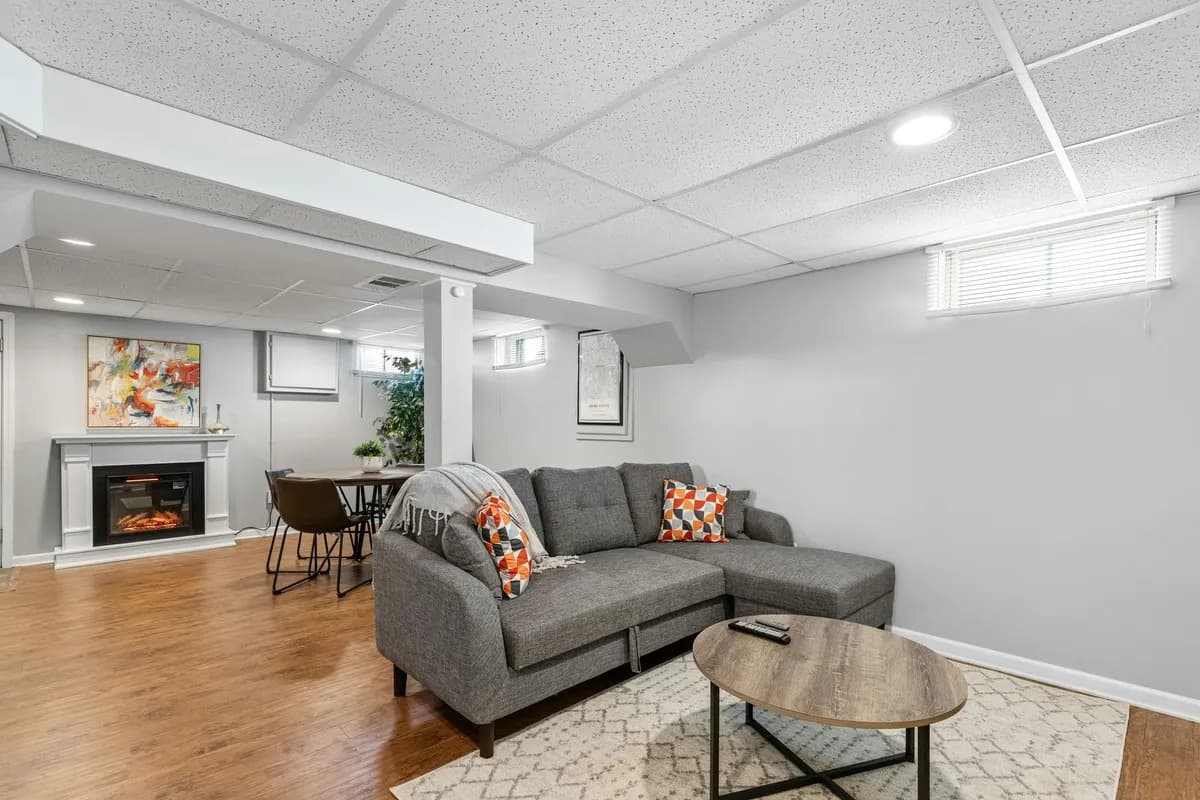
The classic interior shot is taken from a corner of the room, at chest height (approximately 4.5–5 feet), pointed slightly upward (just enough to show the ceiling and avoid a floor-heavy frame).
- Show three walls when possible — creates a sense of depth and space
- Lead with the most important feature — fireplace, kitchen island, view
- Keep verticals straight — walls should be perfectly vertical, not leaning
- Use the doorway framing trick — shooting through a doorway into the next room creates depth
Camera Height Rules
- 4–5 feet for most interior shots (natural eye level)
- 3–4 feet for bathrooms (lower camera shows counter and backsplash)
- 4–5 feet for kitchens (shows countertops and backsplash)
- 5–6 feet for living rooms with high ceilings
Avoid shooting from the hip (too low, shows too much floor) or from standing height (too high, makes rooms feel smaller).
Horizontal Level
Every real estate photo should have perfectly level horizons. Use your camera's electronic level or tripod bubble. Correcting rotation in post is possible but loses image resolution.
Room-by-Room Shooting Guide
Living Room
The most important room — spend extra time here.
- Shoot from the corner that shows the most of the room
- Include the sofa arrangement in frame
- Get the fireplace in frame if there is one
- Shoot toward windows for natural light direction
Kitchen
The second most important room for buyers.
- Shoot from the doorway to show the full layout
- Capture the island from multiple angles
- Get a tight shot of appliances and backsplash
- Shoot toward the window above the sink
Primary Bedroom
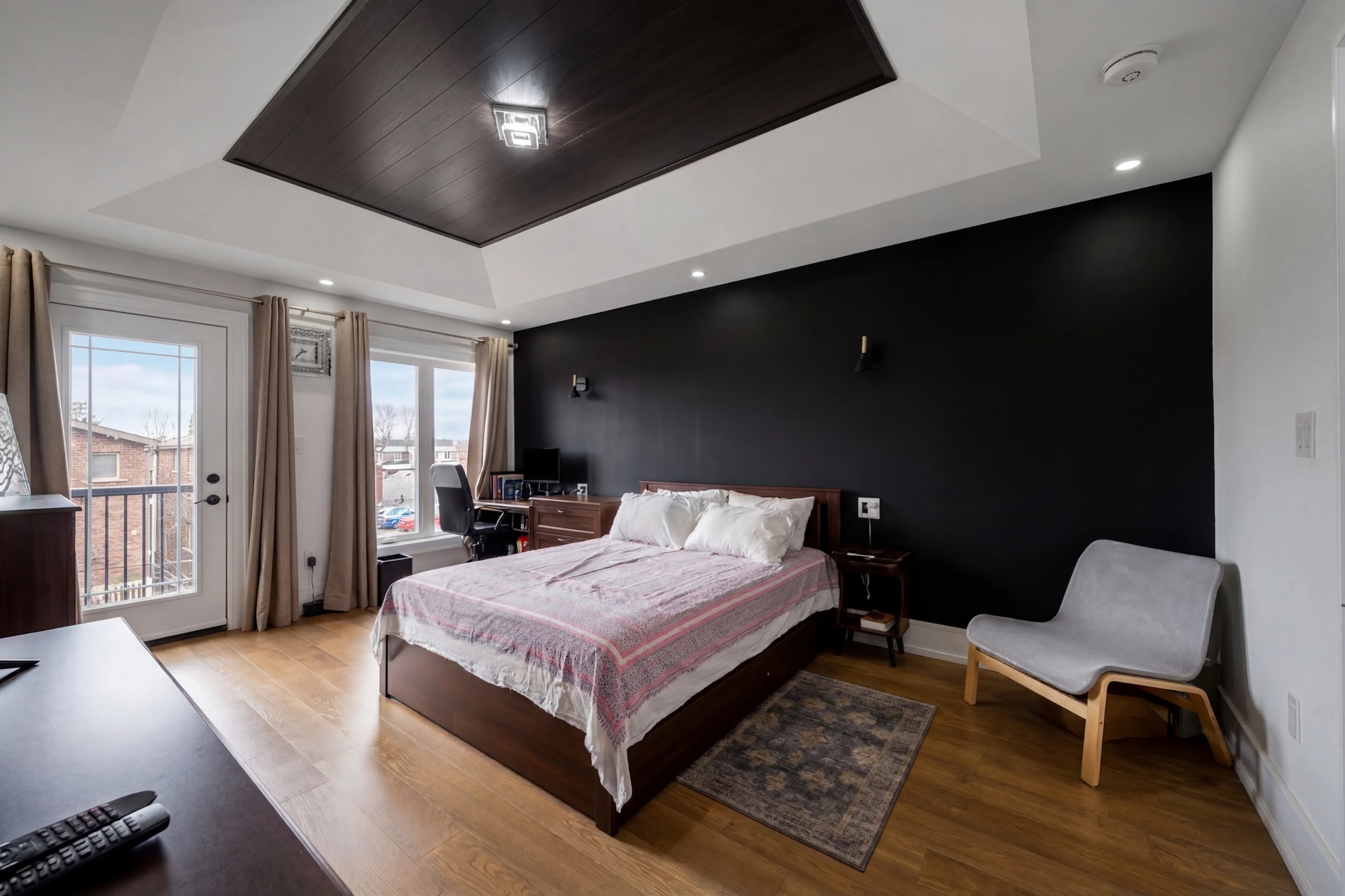
- Show as much floor space as possible (bedrooms feel larger with visible floor)
- Shoot from the doorway showing the bed and headboard wall
- Capture walk-in closet separately
- Get master bathroom connection if visible
Bathrooms
- Tight spaces require ultra-wide lens
- Ensure toilet lid is closed
- Show shower/tub and vanity in same shot if possible
- Capture any special tile work, fixtures, or views
Exterior — Front
- Shoot from across the street for full facade view
- Multiple angles: straight on, 30°, 45°
- Capture during magic hour or midday without harsh shadows
- Include driveway and entry landscaping
Exterior — Backyard
- Capture the outdoor living space from multiple angles
- Include the back of the house in the frame
- Get elevated angle if you can (standing on a step or chair)
- Capture pool or special features from the most flattering angle
Common Real Estate Photography Mistakes (and How AI Fixes Them)
Blown-Out Windows
The problem: Exposing for the room interior blows out any windows, losing the view and making rooms look institutional.
AI fix: HDR processing or AI window exposure correction — recovers window detail while maintaining interior exposure.
Dark or Dingy Rooms
The problem: Rooms without strong natural light look dark and unwelcoming.
AI fix: Exposure enhancement and shadow lifting — AI brightens rooms to a professional standard.
Color Casts
The problem: Warm tungsten light from lamps mixed with cool daylight creates uneven, distracting color.
AI fix: AI color correction neutralizes mixed light sources and produces clean, neutral-to-warm color balance.
Overcast Exterior Shots
The problem: Gray, flat skies make even beautiful homes look dull.
AI fix: Sky replacement — swap any overcast sky for a photogenic blue sky in seconds.
Lens Distortion
The problem: Wide-angle lenses create barrel distortion — straight walls appear curved.
AI fix: Lens correction profiles automatically straighten barrel distortion.
Crooked Horizons
The problem: Slightly rotated shots look unprofessional.
AI fix: Auto-level correction straightens horizon lines automatically.
The Pre-Shoot Checklist
Before shooting, ensure the property is ready:
Exterior:
- [ ] Remove vehicles from driveway and street in front
- [ ] Move trash bins to back of house
- [ ] Turn on exterior lights if applicable
- [ ] Mow lawn and tidy landscape
- [ ] Remove garden hoses, tools, toys
Interior — every room:
- [ ] Turn on all lights (replace burned-out bulbs)
- [ ] Open all blinds and curtains (maximize natural light)
- [ ] Remove personal photos and clutter
- [ ] Make beds
- [ ] Put away cleaning supplies and personal items
- [ ] Close toilet lids
Kitchen:
- [ ] Clear countertops (leave only 1–3 styled items)
- [ ] Hide small appliances (toasters, coffee makers unless stylish)
- [ ] Clean appliance surfaces
- [ ] Remove magnets and papers from refrigerator
Bathrooms:
- [ ] Remove personal care items from counters
- [ ] Store visible toiletries
- [ ] Use fresh, folded towels
AI Editing as Your Safety Net
Even with perfect shooting technique, AI editing elevates real estate photos from good to professional. Think of AI editing as:
- Guaranteeing professional-quality output even from imperfect source images
- Eliminating the 24–48 hour outsourcing wait with instant results
- Making consistent style application across every shoot easy
- Providing advanced capabilities (virtual staging, object removal, twilight conversion) that would otherwise require specialist outsourcing
fotolabs processes real estate photos in seconds, delivering HDR enhancement, sky replacement, color correction, and style application — turning your raw photos into listing-ready images immediately after the shoot.
Great listing photos are a collaboration between your photography skills and AI's enhancement capabilities. Focus on composition and lighting; let AI handle the rest.
Related Articles
- HDR Photo Editing for Real Estate: Perfect Exposures Every Time
- AI Sky Replacement for Real Estate Photos: Fix Gray Skies Instantly
- Virtual Twilight Photography: Turn Any Daytime Photo into a Dusk Shot
- AI Object Removal in Real Estate Photos: Declutter Without a Reshoot
- The Best AI Photo Styles for Real Estate Listings