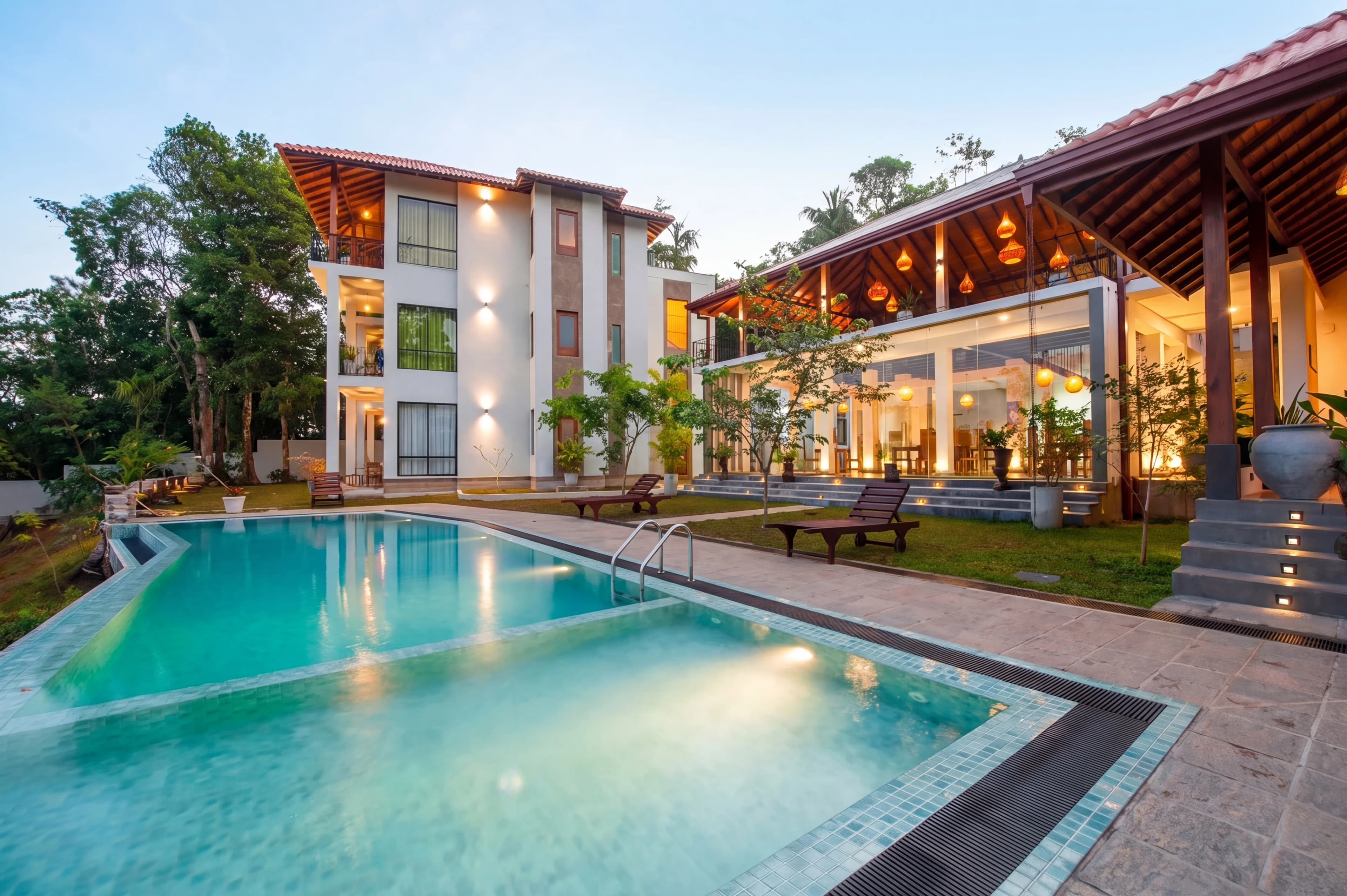
Real estate photographers dread overcast days. Gray, flat skies make even the most beautiful home look dull and uninviting. But rescheduling a shoot for better weather is expensive and delays listings. AI sky replacement solves this problem instantly — swapping any sky with a crisp, photorealistic blue sky in seconds.
The Sky Problem in Real Estate Photography
Exterior real estate photos live or die by the sky. A dramatic blue sky with light clouds makes a home look sun-drenched and appealing. A flat gray overcast sky communicates "dreary" — not what sellers or agents want buyers to feel when first encountering a listing.
Yet weather is unpredictable. Most real estate photographers shoot regardless of conditions, knowing they'll edit the sky in post. The question is: how?
Manual Sky Replacement: Why It's Tedious
Traditional sky replacement in Photoshop involves:
- Select the sky using Select > Sky or manual masking tools
- Refine the mask — especially around trees, rooflines, and intricate edges
- Place the new sky on a layer below
- Match the lighting — the new sky needs to match the ambient light on the house
- Blend color temperatures — the house was lit by gray light, now you need it to look sunny
- Fix reflections — pools, windows, and wet surfaces need to reflect the new sky
Even experienced Photoshop users spend 20–45 minutes per image on this process. For a photographer processing 20 exterior shots, that's nearly a full day of additional work.
How AI Sky Replacement Works
AI-powered sky replacement uses deep learning models trained on millions of real estate exterior images. The AI:
- Segments the sky in milliseconds using semantic segmentation — far more accurately than Photoshop's selection tools, handling complex cases like tree branches and cable wires
- Selects an appropriate replacement sky — matching time of day, sun angle, and cloud style
- Re-lights the scene — adjusts the color temperature and shadow direction of the house to match the new sky's implied light source
- Blends naturally — adds atmospheric haze, light scatter, and proper horizon gradient
- Updates reflections — detects pools, windows, and wet surfaces and updates them to reflect the new sky
The result is a completely natural-looking exterior photo that looks like it was shot on a perfect sunny day — in under a minute.
Types of AI Sky Replacements Available
fotolabs and similar AI real estate photo editing platforms offer multiple sky styles:
Blue Sky — The Standard
A bright, clear blue sky with minimal cloud cover. Works for any property type, any architecture. The default choice for 80% of real estate exterior replacements.
Blue Sky with Clouds
Adds photogenic cumulus clouds for more visual interest. Makes the image look more dramatic and professional without going into twilight territory.
Golden Hour Sky
Warm sunset tones cast over the property. Slightly less dramatic than full virtual twilight, but adds warmth and emotion. Works well for craftsman homes, ranches, and properties with wood siding.
Dramatic Stormy Sky
High contrast with dark clouds and bright areas. Used sparingly for architectural photography or ultra-modern properties where drama is the aesthetic.
Blue Hour / Dusk
The transition between virtual twilight and regular sky replacement. A deep blue sky with some atmospheric glow on the horizon.
What Makes a Sky Replacement Look Realistic?
The difference between amateur and professional sky replacement comes down to several factors:
Light Matching
The single biggest tell in fake sky replacement is lighting inconsistency. If the house is lit by flat gray light but the replaced sky shows a bright sun, the house looks like a bad composite. Professional AI tools re-light the facade to match the new sky's sun position.
Atmospheric Perspective
Real outdoor photos have atmospheric haze — a slight blue or gray cast that increases with distance. AI sky replacement should add this haze to distant elements like trees and mountains after the replacement.
Proper Horizon Treatment
Where the sky meets the ground plane (roof, treeline, fence) is the hardest part to blend. AI models trained specifically on real estate images handle this better than general-purpose tools like Photoshop's Sky Replacement filter.
Reflection Consistency
Any glass, water, or wet surfaces in the scene should reflect the new sky, not the old one. AI detects these regions and updates them automatically.
Sky Replacement vs. HDR: What's the Difference?
These are complementary techniques, not alternatives:
- Sky replacement — fixes the exterior sky region only
- HDR editing — fixes the exposure balance between interior and exterior (blown-out windows)
- Virtual twilight — converts day to dusk, including sky replacement plus warm window glow
Most professional real estate photo editing workflows use all three. Interior shots get HDR treatment; exterior shots get sky replacement; the hero exterior shot may get virtual twilight treatment.
Is AI Sky Replacement Ethical in Real Estate?
Yes, with proper disclosure. The industry consensus is clear:
- Sky replacement is universally accepted and commonly practiced
- Most MLSs do not require specific disclosure for sky replacement (unlike virtual staging)
- The NAR Ethics guidelines focus on misrepresenting physical features of the property — a sky does not qualify
- Twilight conversions and major alterations should be labeled as "digitally enhanced"
The sky is not part of the property. Replacing an overcast sky with a blue one is no different from a portrait photographer retouching skin — it's standard industry practice.
Lawn and Landscape Enhancement: The Perfect Companion to Sky Replacement
A new blue sky with a dead, brown lawn looks incongruous. For complete exterior photo enhancement, pair sky replacement with:
- Lawn greening — AI-enhanced green, lush grass regardless of season
- Bush and hedge cleanup — neaten overgrown hedges and shrubs
- Driveway brightening — clean and whiten concrete or asphalt driveways
- Weed removal — AI identifies and removes obvious weeds from lawn edges
fotolabs applies all of these enhancements in a single pass, delivering a complete exterior makeover.
How Much Does AI Sky Replacement Cost?
- Photoshop manual (your time or a freelancer): $15–$40 per image
- Outsourcing (BoxBrownie, etc.): $5–$20 per image, 24+ hours turnaround
- AI sky replacement (fotolabs): Under $5 per image, instant results
For a typical listing with 5 exterior photos needing sky replacement, AI processing costs under $25 versus $75–$200 for outsourcing.
Shooting Tips for Better AI Sky Replacement Results
- Shoot at a consistent time of day — morning or mid-afternoon gives the best sun angle
- Expose for the house — let the sky blow out, the AI handles this
- Shoot multiple framings — a 30° angle captures more sky than a straight-on shot
- Avoid shooting into the sun — backlit houses make sky replacement much harder
- Check for lens flare — flare from overcast shooting looks wrong after sky replacement
Fix Any Exterior Photo in Seconds
fotolabs' AI sky replacement instantly upgrades gray, overcast, or blown-out exterior photos to bright, sunny listing-ready images. No Photoshop skills required — just upload and download. Every exterior photo in your listing gallery deserves a perfect sky.