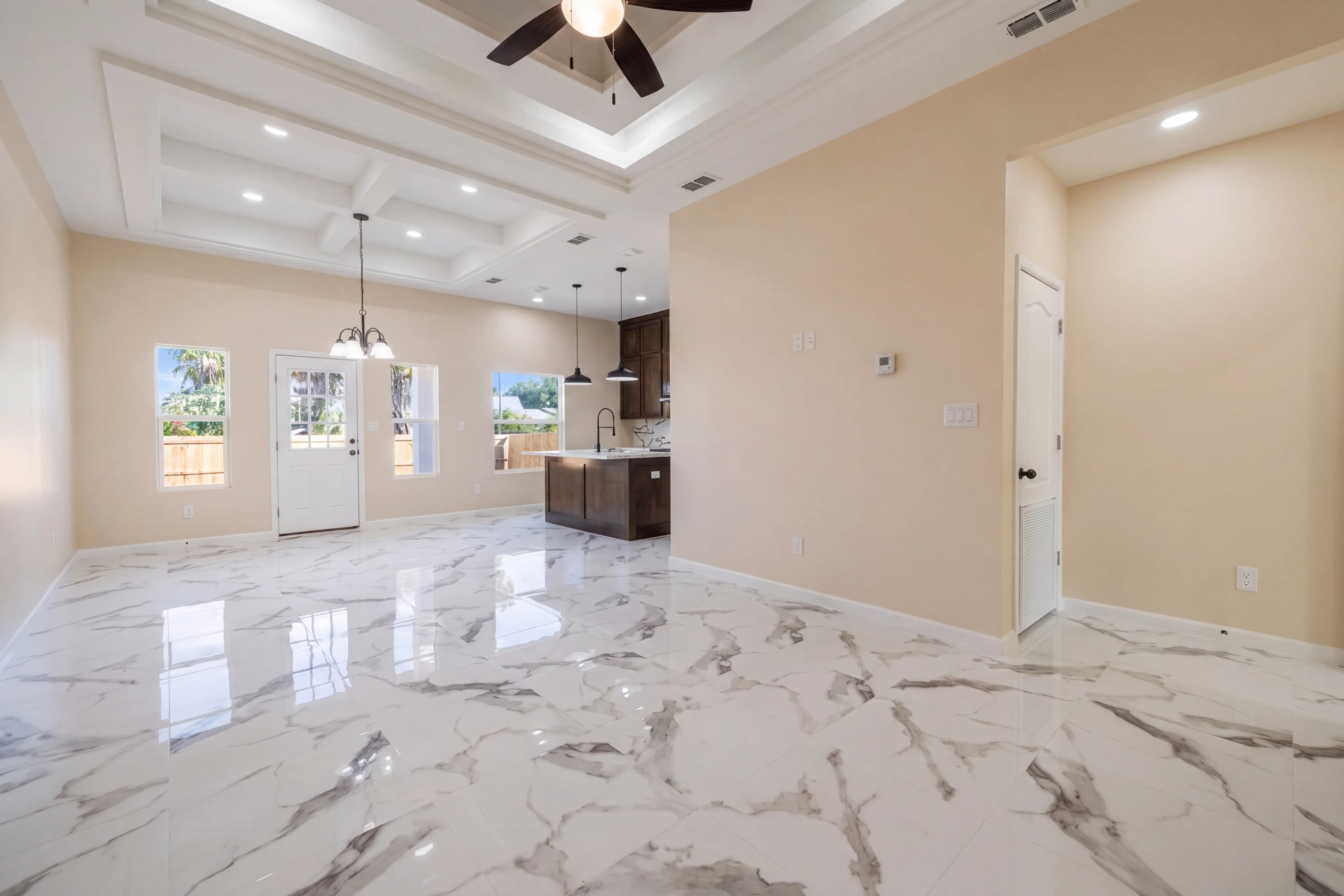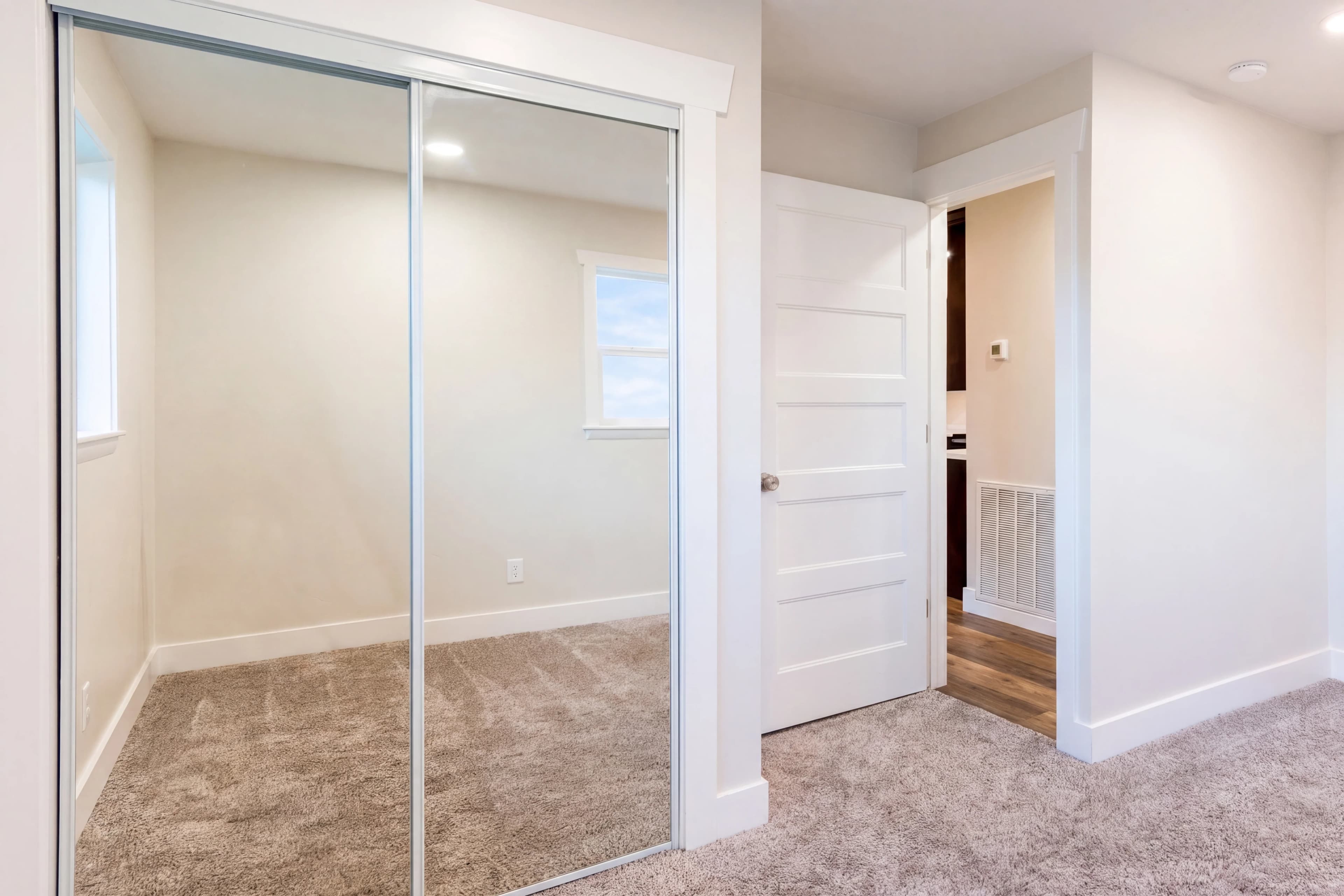
You've shot a beautiful property. The lighting was perfect. Every room looks great. Then you get back to your computer and notice: a trash bin in the front yard. A neighbor's car parked right in front. A cluttered counter in the kitchen. An owner's personal items the seller forgot to move.
In the past, this meant rescheduling a reshoot. Today, AI object removal handles it instantly.
What Is AI Object Removal?
AI object removal uses generative inpainting technology to identify and eliminate unwanted objects from photos, replacing them with realistic background content. The AI doesn't just cut out the object and leave a hole — it reconstructs what the scene would look like if the object had never been there, filling in the background with texture, detail, and lighting that match the surrounding area.
Modern AI inpainting is based on diffusion model technology trained on billions of images. The models understand spatial context, surface textures, perspective, and lighting — allowing them to reconstruct backgrounds with stunning realism.
Common Real Estate Objects That AI Can Remove
Exterior Object Removal
Vehicles and transportation
- Cars parked in driveways or blocking the facade
- Trucks, motorcycles, boats, and RVs
- Garbage and recycling bins left at the curb
Infrastructure and utilities
- Power lines crossing the sky or in front of the house
- Utility poles in the foreground
- Satellite dishes on the roofline
- Meter boxes and utility connections on exterior walls
Yard and landscape items
- Hoses, garden tools left in the yard
- Children's toys, outdoor furniture in poor condition
- Dead plants or tree stumps
- Construction materials or debris
Neighbor intrusions
- Adjacent properties' trash bins or vehicles
- Signage from neighboring businesses
- Fencing or structures that visually intrude
Interior Object Removal
Personal belongings
- Family photos on walls or shelves
- Personal documents left on counters
- Medications on bathroom counters
- Religious or personal decorative items
Clutter and staging issues
- Items that weren't moved before the shoot
- Cables and cords behind entertainment centers
- Cleaning supplies left visible
- Outdated or damaged furniture the seller wants hidden
Appliances and fixtures
- Outdated or mismatched appliances
- Damaged fixtures or hardware
- Temporary items (fans, space heaters, humidifiers)
Privacy concerns
- Faces of people who appear in windows or reflections
- License plates on vehicles visible through windows
The Technology: How AI Inpainting Works
AI object removal uses a process called generative inpainting:
- Object identification — either automated (the AI detects common problem objects) or user-specified (you draw a mask over what to remove)
- Context analysis — the AI analyzes the surrounding area: floor material, wall texture, ceiling type, lighting direction
- Background reconstruction — using diffusion models, the AI generates realistic content to fill the masked area
- Blending and refinement — the fill is seamlessly blended with sharp edges and consistent lighting
The quality of AI inpainting has improved dramatically. Removing a car from a driveway and having the AI reconstruct the concrete behind it was nearly impossible even two years ago. Today, AI handles this routinely.
AI Object Removal vs. Manual Photoshop Cloning
The traditional approach is Photoshop's Clone Stamp, Healing Brush, or Content-Aware Fill. Here's how they compare:
| Method | Quality | Speed | Skill Required | Cost | |---|---|---|---|---| | Photoshop manual cloning | Excellent | 15–60 min/object | Expert | High (time) | | Photoshop Content-Aware Fill | Good | 5–15 min/object | Intermediate | Medium (time) | | AI object removal (simple) | Excellent | Seconds | None | Low | | AI object removal (complex) | Very good | Seconds | None | Low |
For simple removals (trash bin on solid concrete, car on a driveway), AI consistently matches or exceeds manual Photoshop work. For complex cases (object in the middle of a highly textured carpet pattern, or partially occluded architectural detail), manual editing may still produce cleaner results.
Power Line Removal: A Special Case
Power lines are among the most common exterior editing requests and among the trickiest to handle. A power line running horizontally across a blue sky is straightforward — the AI reconstructs the sky behind it. But power lines that cross complex backgrounds (trees, rooflines, neighboring buildings) are harder.
Modern AI real estate photo editors handle most power line removal cases well. The key is having enough clean sky or background on either side of the line to reference for reconstruction.
Tips for better power line removal results:
- Shoot at an angle that minimizes how much the line crosses complex backgrounds
- Shoot in portrait orientation to minimize the length of power lines in frame
- If the property has a detached garage with a clear sky behind it, frame to include that clean area
Object Removal Ethics and Disclosure in Real Estate
Removing clutter, personal items, and temporary objects is universally accepted in real estate photography. The ethical questions arise around more significant removals:
Always acceptable to remove:
- Trash bins, vehicles (temporary items)
- Clutter and personal items
- Power lines (infrastructure, not property)
- Neighbors' property items
Disclose or avoid:
- Removing permanent structural features (old sheds, fences)
- Removing damage or defects that should be disclosed to buyers
- Any removal that would give buyers a materially false impression of the property
The legal principle in most jurisdictions: you cannot remove features that a buyer would consider material to their purchase decision. You can always remove temporary items and clutter.
Before Removing Objects: A Checklist
Before relying on AI object removal, consider these best practices:
✅ Ask the seller to move clutter, vehicles, and personal items before the shoot
✅ Identify exterior power lines and plan shooting angles accordingly
✅ Remove trash bins from the shot by rescheduling around trash pickup day
✅ Close toilet lids, put away cleaning supplies in bathrooms
✅ Ask sellers to remove family photos if they prefer privacy
AI object removal works best as a safety net for things you couldn't control — not as a substitute for pre-shoot preparation.
Real-World Examples: What AI Object Removal Can Save
Scenario 1: Car in the driveway
The seller's car was supposed to be moved but wasn't. AI removes it in 15 seconds, reconstructing the driveway surface. Reshoot avoided: $150–$400 fee saved.
Scenario 2: Trash bins in the exterior shot
Shot on the wrong day of the week. Three visible trash bins on the street. AI removes all three. Clean facade delivered instantly.
Scenario 3: Personal photos on the walls
Sellers declined to remove family photos. Agent removes them post-shoot for privacy, replacing wall sections with matching paint or texture.
Scenario 4: Power lines crossing the sky
Two utility lines cross in front of the home. AI reconstructs the sky and roofline behind them. The resulting image has a clean, unobstructed exterior.
Scenario 5: Neighbor's truck blocking part of the house
Half the front of the property is blocked by a neighbor's vehicle. AI removes the vehicle and reconstructs the visible portion of the home's facade. Difficult case — but modern AI handles it.
Getting Started with AI Object Removal
fotolabs includes AI object removal as part of its real estate photo editing suite. Upload your photos, specify what to remove, and receive clean edited images in seconds. No Photoshop expertise required, no outsourcing delays — just fast, professional results that make every listing look its best.