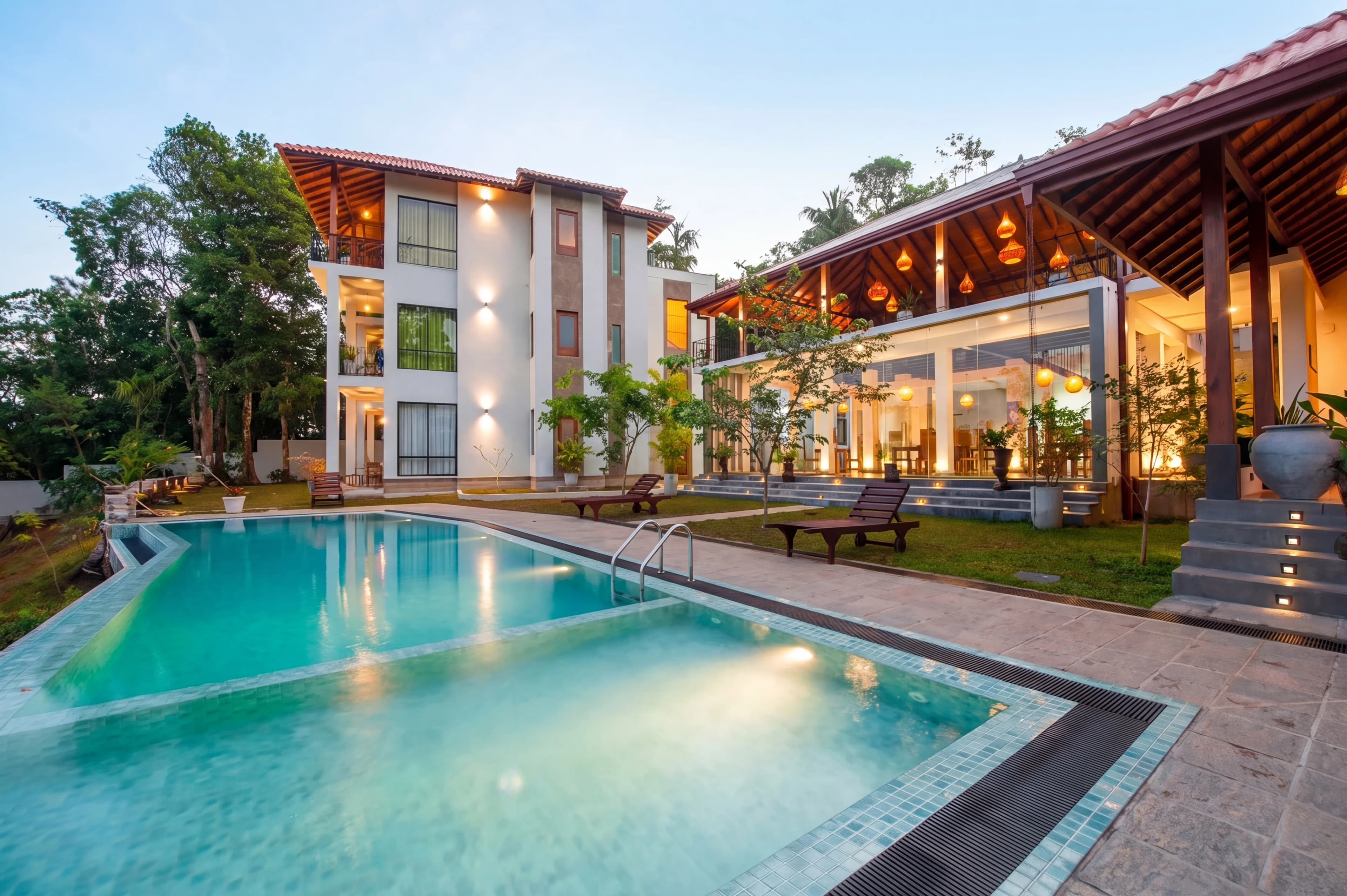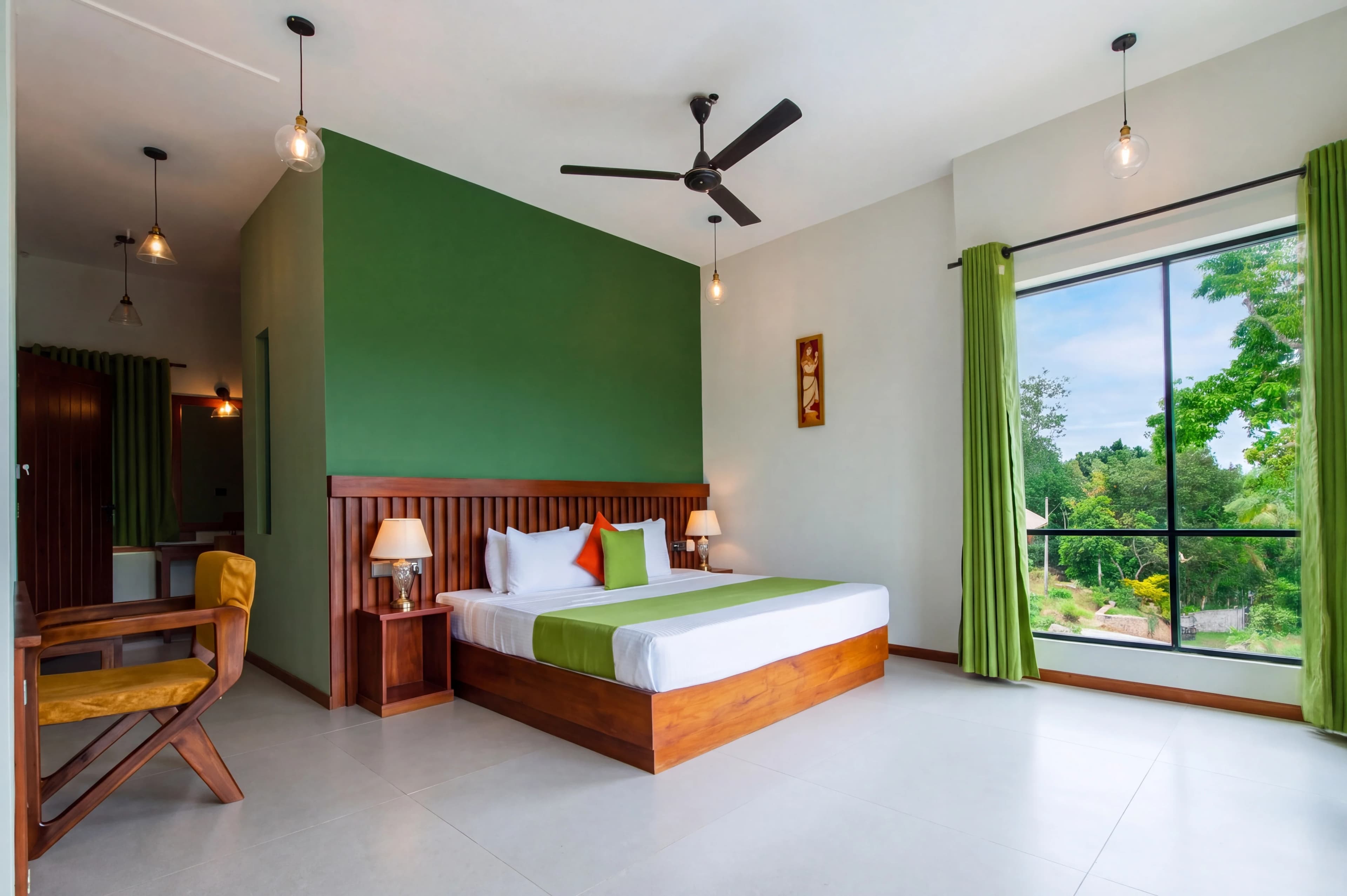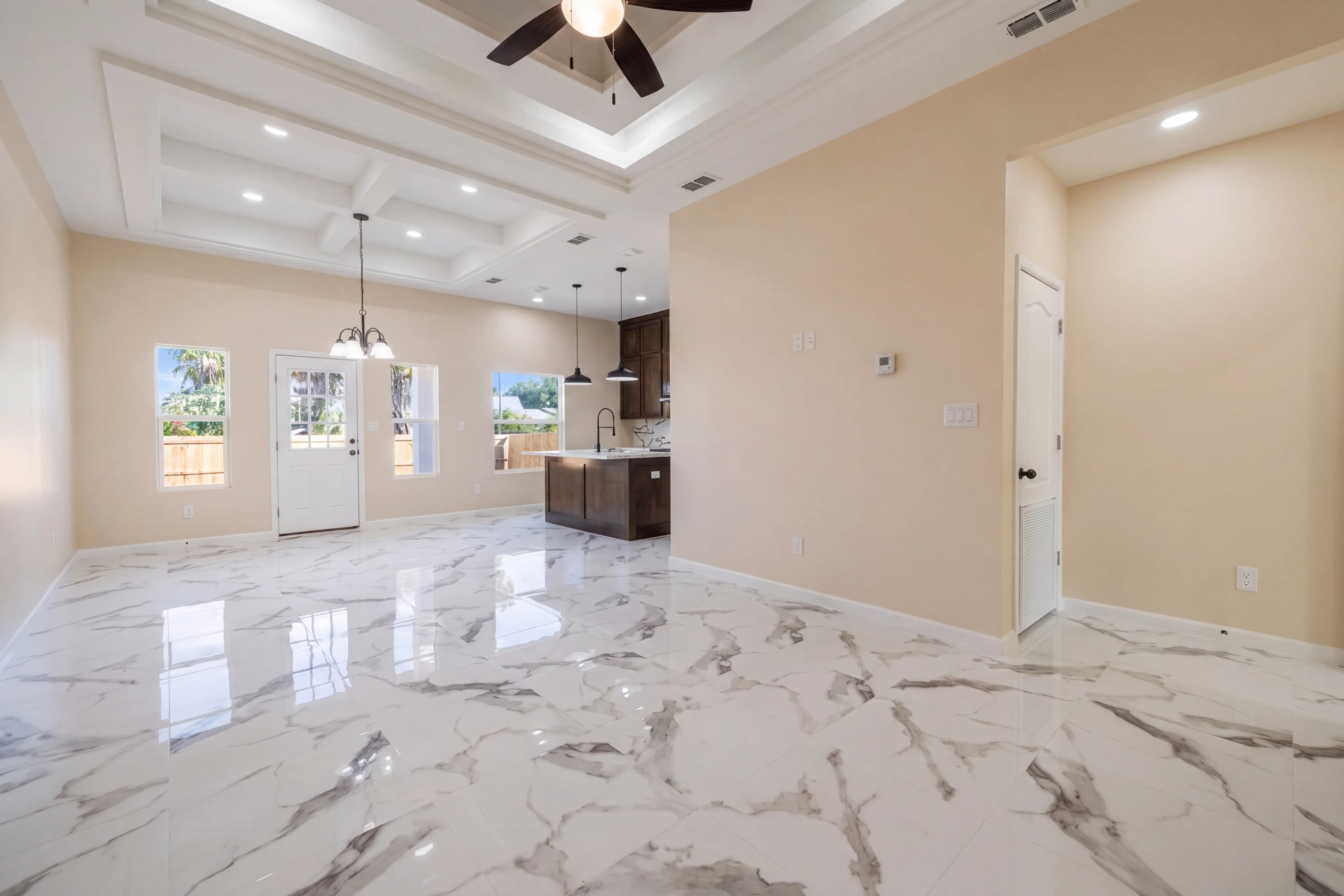
HDR photography is the gold standard for real estate interior shots. When executed correctly, it produces images where both the bright windows and the shadowed room interior are perfectly exposed — the way your eye actually perceives a space, not the way a camera captures it. Here's everything you need to know about HDR editing for real estate, and how AI is revolutionizing the process.
What Is HDR Photography?
HDR stands for High Dynamic Range. It refers to a technique where multiple photos of the same scene are taken at different exposure levels — typically 3 to 7 bracketed exposures — and then merged into a single image that captures the full range of light in the scene.
A standard camera sensor can capture roughly 8–12 stops of dynamic range. The human eye perceives closer to 20+ stops. This gap is why interior real estate photos often look either:
- Overexposed (blown-out windows, white walls) when exposed for the room interior, or
- Underexposed (dark, dingy rooms) when exposed for the view outside
HDR merging solves this by combining the best-exposed version of each region of the image into one composite.
Why HDR Matters So Much in Real Estate Photography
In real estate, first impressions happen online. Listings on Zillow, Realtor.com, and the MLS compete for buyer attention in thumbnail grids. A bright, balanced, inviting interior photo immediately signals "well-maintained property." A dark or blown-out photo signals the opposite — regardless of how beautiful the actual home is.
Studies consistently show that listings with professional-quality photos sell faster and for more money. HDR editing is one of the core techniques that separates professional real estate photography from amateur listings.
Traditional HDR Editing: Bracketing and Manual Merging
The traditional HDR workflow involves:
- Bracket your exposures on a tripod — typically 3 shots at -2, 0, and +2 EV
- Import into Photoshop or Lightroom — merge to HDR
- Tone-map the merged image — this is where the "HDR look" is controlled
- Manual masking — often required to fix ghosting from movement between shots
- Color grade and export
This process takes 15–30 minutes per image for an experienced editor. For a full property shoot of 20 images, that's 5–10 hours of post-processing — or significant outsourcing costs.
Common HDR Editing Problems
Even experienced photographers and editors struggle with HDR-specific issues:
Ghosting
If anything moved between bracket exposures — curtains, plants, people, even clouds — the merged image shows "ghosting" artifacts where the object appears multiple times or creates a blur. Fixing this requires manual masking.
Tone Mapping Halos
Aggressive tone mapping creates unnatural bright halos around high-contrast edges like window frames and furniture edges. Over-processed HDR has a telltale artificial look that experienced buyers immediately recognize.
Color Shifts
Merging exposures from different times can introduce color casts, especially with tungsten indoor lighting mixed with daylight from windows.
Noise in Shadow Areas
The underexposed brackets (used to recover highlight detail) often introduce significant digital noise when brightened during the merge process.
How AI HDR Processing Fixes These Problems
Modern AI HDR processing approaches the problem differently. Rather than merging multiple exposures (though it can do that too), the best AI real estate photo editing systems can simulate HDR results from a single exposure using:
- Learned dynamic range expansion — the AI has been trained on millions of HDR-processed images and can predict what a properly merged HDR would look like
- Sky/window recovery — intelligent masking that separately processes window regions and room interiors
- Ghosting elimination — AI identifies and removes motion artifacts automatically
- Natural tone mapping — avoids the over-processed "HDR painting" look
The result is professional HDR-quality real estate photos in seconds, without requiring a tripod or multiple exposures.
Single-Exposure HDR Enhancement vs. Bracket Blending
| Technique | Required Equipment | Time | Quality | |---|---|---|---| | Single-exposure AI HDR | Any camera | Seconds | Excellent | | 3-bracket manual merge | Tripod + camera | 20–30 min/image | Excellent | | 5-7 bracket professional HDR | Tripod + flash | 30–45 min/image | Outstanding | | Auto HDR (camera built-in) | Any camera | Automatic | Mediocre |
For most real estate photographers and agents, single-exposure AI HDR enhancement is the optimal workflow. It produces results on par with traditional bracket merging without the setup time, tripod requirement, or post-processing bottleneck.
The Real Estate HDR Editing Workflow with AI
Here's the modern AI-assisted HDR workflow used by top-producing real estate agents:
- Shoot handheld or with tripod — doesn't matter, AI handles camera shake
- Upload to fotolabs — batch upload your full property shoot
- Select HDR Enhancement — our AI processes each image individually
- Review and download — images are ready in minutes, not hours
- Upload directly to MLS — no additional editing required
HDR + Flash Blending: The Professional Standard
For luxury and high-end real estate photography, the gold standard is HDR with flash blending — also called "flambient" photography. This technique combines:
- Ambient HDR brackets for natural-looking window and exterior views
- Flash-lit exposures for perfect, even interior illumination
AI tools are increasingly capable of simulating flambient results, though complex multi-light setups may still benefit from manual editing for top-tier luxury listings.
Lens Correction and HDR: Working Together
HDR editing works best when combined with proper lens correction. Wide-angle lenses used in real estate photography introduce:
- Barrel distortion — straight walls appear curved
- Chromatic aberration — color fringing at high-contrast edges
- Vignetting — darkened corners
fotolabs applies AI-powered lens correction automatically alongside HDR enhancement, ensuring every image has straight verticals, clean edges, and even exposure from corner to corner.
How to Evaluate HDR Quality in Real Estate Photos
When reviewing HDR-processed real estate photos, check for:
✅ Natural-looking windows (not blown out white, not artificially dark)
✅ Even interior exposure without harsh shadows
✅ No halos around window frames or bright objects
✅ Accurate, neutral colors without color casts
✅ No visible ghosting or double-image artifacts
✅ Clean shadow areas without excessive noise
✅ Natural-looking sky visible through windows
Pricing: AI HDR vs. Manual Outsourcing
Professional HDR editing services charge $5–$25 per image, with turnaround times of 24–72 hours. AI HDR processing delivers comparable results for $1–$5 per image with instant turnaround.
For a typical real estate shoot of 25 images:
- Manual outsourcing: $125–$625, 24–72 hour wait
- AI processing with fotolabs: Under $50, same-day delivery
Start Processing HDR Real Estate Photos Today
fotolabs' HDR real estate photo editing software processes your listing photos in seconds, delivering professional results that make listings stand out. Upload your photos, apply HDR enhancement, and download ready-to-publish images — no technical expertise required.