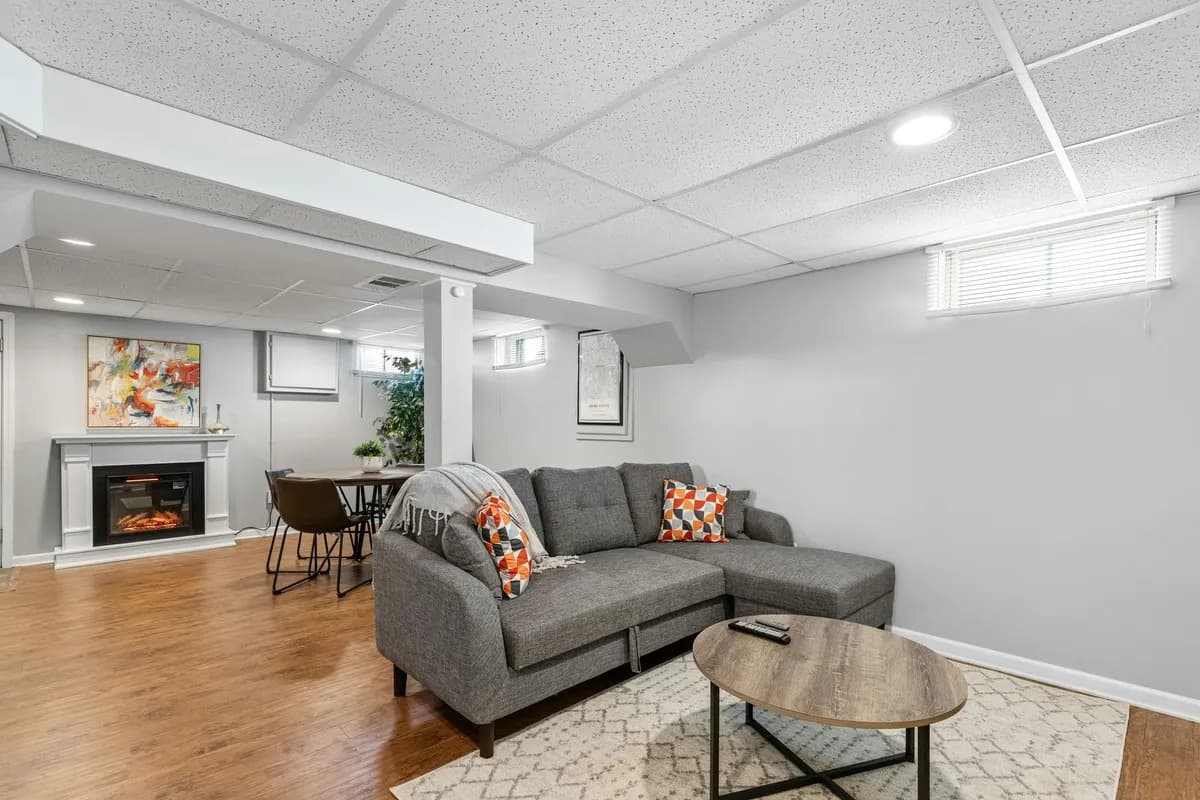
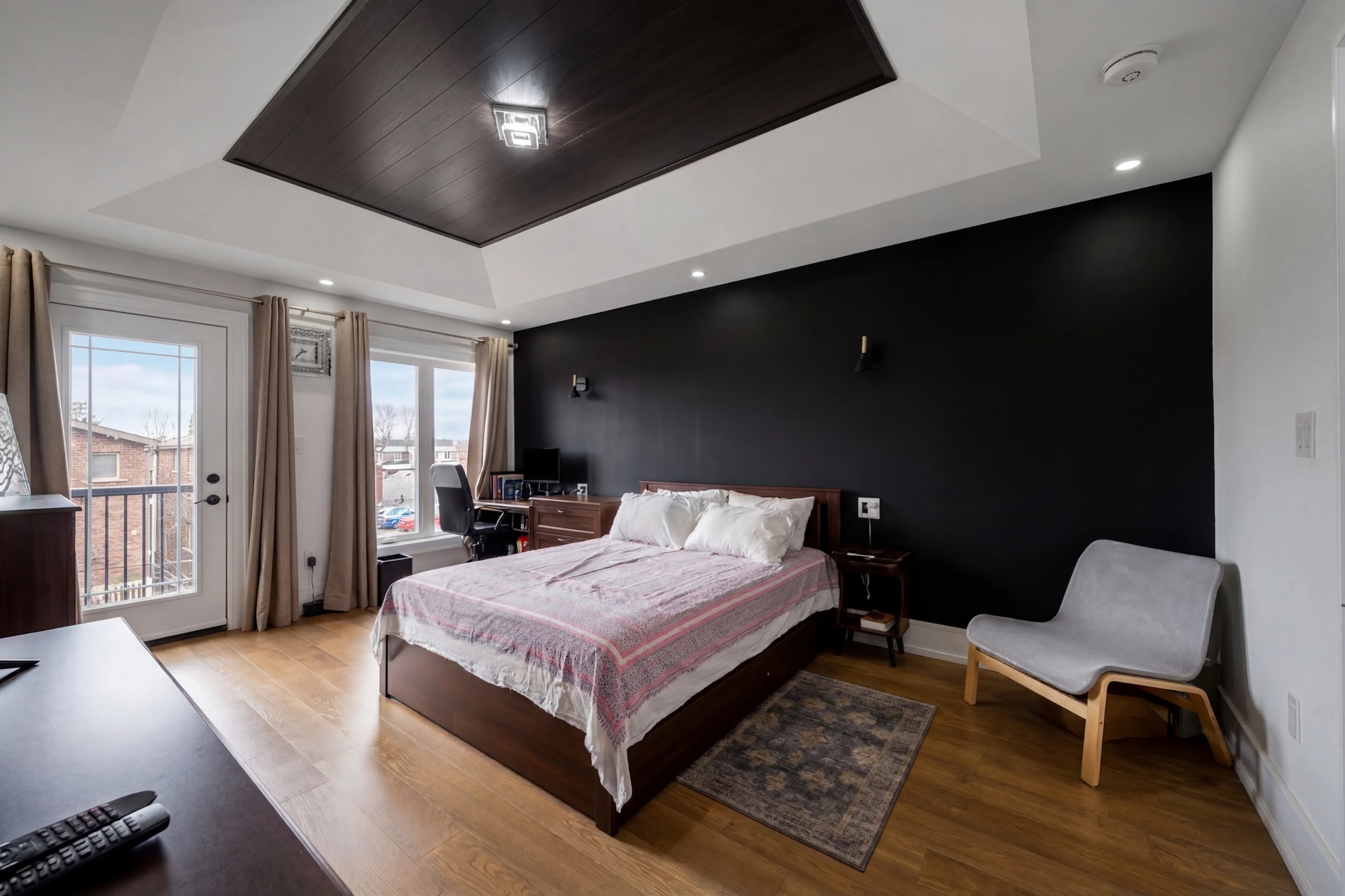
Pull up any award-winning real estate interior photo and you'll notice something: the room looks evenly lit, with detail in both the shadows and the highlights, natural-looking color, and none of the harsh shadows or hot spots that plague amateur listings. The secret behind most of those images is flash-ambient blending — a two-exposure technique that combines natural room light with off-camera flash to produce a result neither source can deliver alone.
What Flash-Ambient Blending Actually Is
The technique has two components, as the name suggests:
Ambient exposure — a shot exposed for the existing (ambient) light in the room. This captures the natural quality of the space: sunlight from windows, the color of artificial fixtures, the natural shadows and gradients in the scene. The exposure is often too dark in the room's interior but captures window detail and natural light direction.
Flash exposure — one or more additional shots where off-camera flash units (strobes or speedlights) are used to add controlled, even light to the interior. The flash lights up shadow areas, fills under furniture, and reveals ceiling and wall detail. It often looks slightly flat or artificial on its own.
The blend — in post-processing, the two (or more) exposures are composited. The natural ambient light, color, and window detail come from the ambient frame. The shadow fill and interior brightness come from the flash frame. The result looks naturally lit but with detail and brightness that a single-exposure ambient shot couldn't achieve.
Why Not Just Use HDR Bracketing?
HDR bracketing — capturing multiple exposures and blending them — addresses the dynamic range problem (dark room, bright windows) but doesn't add any light that isn't already there. If a room has a dark corner with no natural fill, HDR bracketing will just give you a brighter version of a dark corner.
Flash-ambient blending actually adds light to the scene in a controlled way. The flash fills the shadow areas the sun doesn't reach. This is why the technique produces qualitatively different results:
| Technique | Dynamic range | Shadow fill | Natural look | Complexity | |---|---|---|---|---| | Single exposure | Low | None | Good | Simple | | HDR bracketing | High | None (just brighter) | Moderate | Moderate | | Flash-ambient blend | High | Yes — controlled | High | High | | AI-processed | High | Yes — simulated | High | None (done for you) |
The Gear Setup
A standard flash-ambient blending kit for real estate:
- 2–4 portable speedlights or strobes — bounced off ceilings or walls rather than fired directly (direct flash creates harsh, obvious artificial light)
- Light stands — position flashes outside the camera frame, typically in corners or behind furniture
- Wireless triggers — fire the flash units remotely from the camera position
- Tethered laptop or tablet (optional) — review exposures in real time for precise adjustment
The flash units are typically set to bounce configuration: pointed at the ceiling or a nearby white wall, so the light scatters diffusely across the room rather than hitting subjects directly. This mimics the soft, even quality of natural cloudy-day light rather than the hard shadows of direct flash.
The Shooting Workflow
A typical flash-ambient blend shoot follows this sequence:
- Set up ambient frame — without flash, expose for the room's natural light. The windows will likely be correctly exposed, interior may be dark. This is the "base" exposure.
- Add flash and expose for interior — with flash bounced off ceiling, expose for the interior (typically 1–2 stops darker than the ambient frame, since the flash adds significant brightness). The interior will look well-lit; windows may overexpose.
- Move flash positions — if the room is large, shoot with flashes in multiple positions to eliminate any shadows from obstacles. Each position may be a separate capture.
- Optional: window exposure — a dedicated exposure for the window views, used to blend in exterior detail.
The total number of captures per room ranges from 3–8 depending on room size, complexity, and the number of flash positions needed.
Blending in Post
In Photoshop, the blend follows a layer-based workflow:
- Import all exposures as layers (or use Lightroom's HDR merge as a starting point for the ambient)
- Use the ambient frame as the base — natural color, window detail, correct shadows
- Mask flash frames over shadow areas — paint or luminosity-mask the flash exposure into dark corners, under furniture, behind doors
- Refine transitions — feather and dodge/burn the blend edges so flash fill looks like it came from a natural source
- Color correct — the flash may have a slightly cooler color temperature than the ambient; a quick white balance adjustment on the flash layer brings them into agreement
An experienced editor processes a single room in 10–20 minutes. For a 15-room shoot, that's 2–5 hours of post-production — not counting the additional shoot time for multiple flash positions.
When Flash-Ambient Blending Is Worth It
The technique produces its most dramatic improvement in:
- Rooms with strong directional natural light — one-sided sunlight creates harsh shadows; flash fills the dark side
- Rooms with no natural light — basements, interior bathrooms, hallways; flash is the only way to make them look bright
- Luxury properties — clients expect technically perfect photos; flash-ambient is the standard at the top of the market
- Properties with dark finishes — dark wood, dark countertops, and dark paint absorb natural light; flash puts it back
For bright, naturally-lit rooms with open windows and light interiors, ambient-only shooting (or AI enhancement) often delivers perfectly acceptable results without the added setup.
The AI Alternative
The setup complexity and post-production time of flash-ambient blending is one reason AI real estate photo editing has seen such rapid adoption. AI processing can simulate the effect of balanced flash fill — brightening shadow areas, equalizing exposure across a room, and recovering window detail — from a single ambient exposure.
The result isn't identical to a masterfully executed flash-ambient blend, but for the vast majority of listings (mid-market residential properties, tight shoot schedules, photographers working alone), AI processing delivers results that are indistinguishable to buyers browsing MLS galleries.
For high-end properties where a dedicated photographer and post team are allocated adequate time, flash-ambient blending remains the professional gold standard. For the rest of the market, AI-powered enhancement from a single well-exposed frame achieves the same visual outcome in seconds rather than hours.