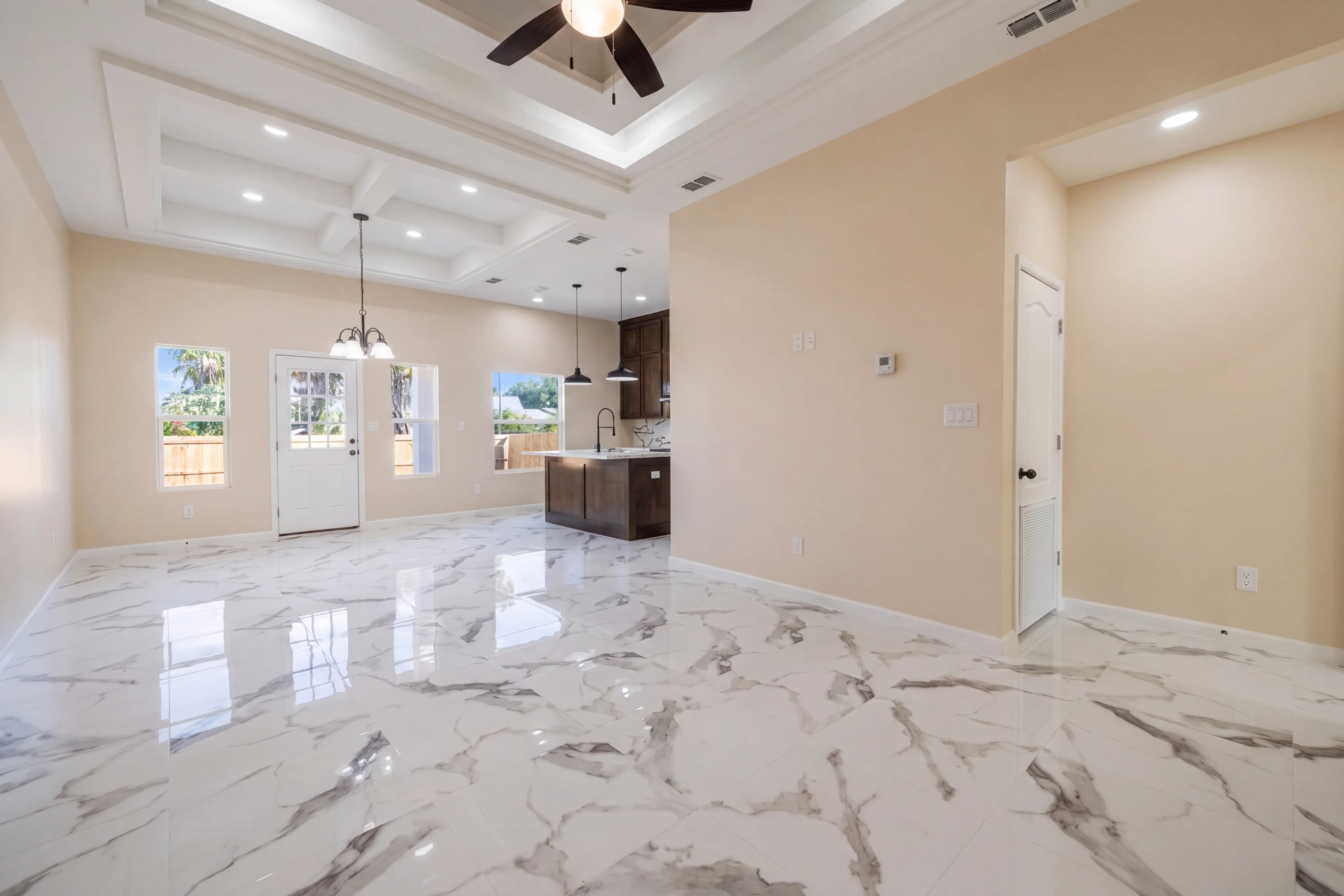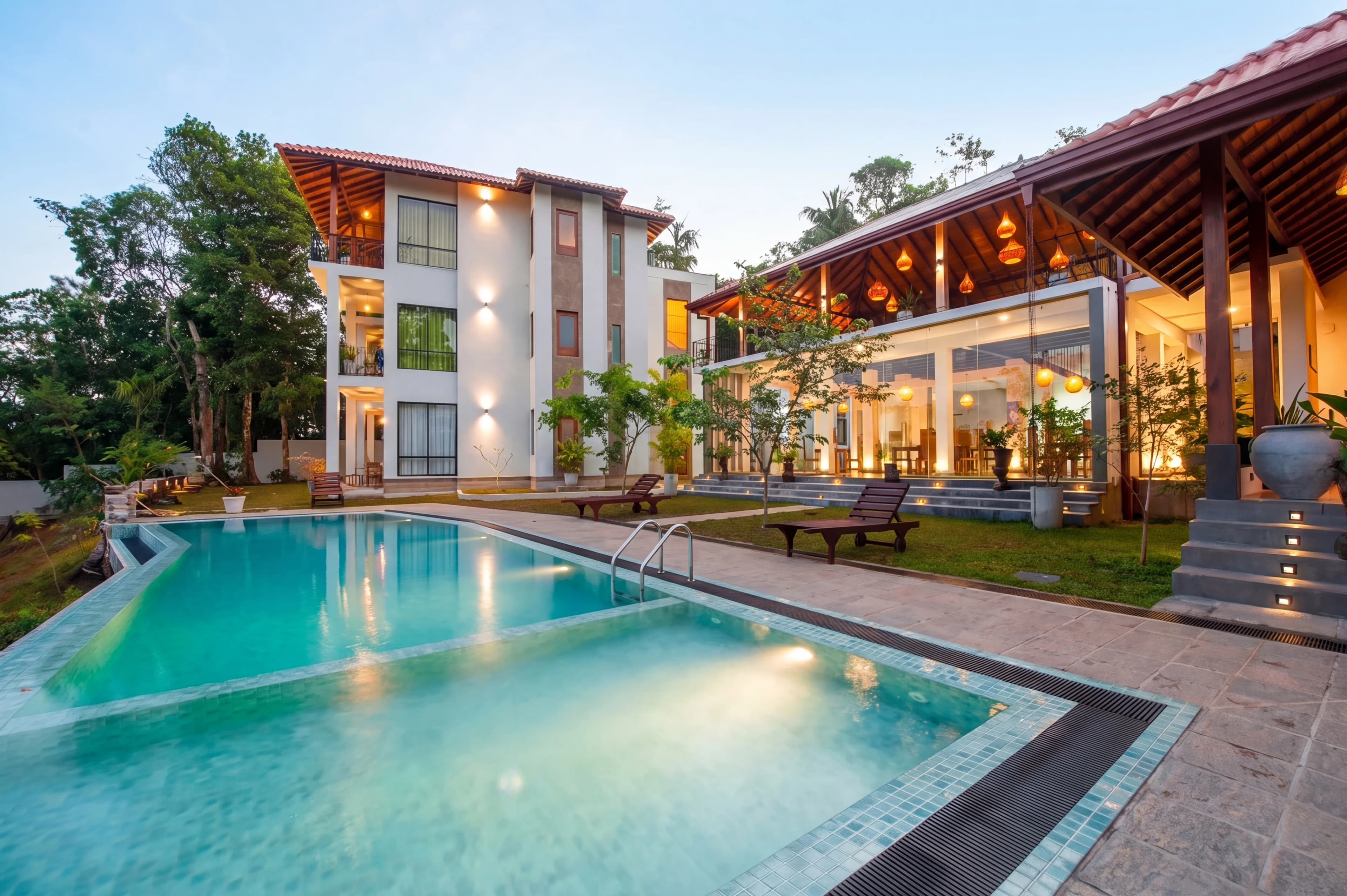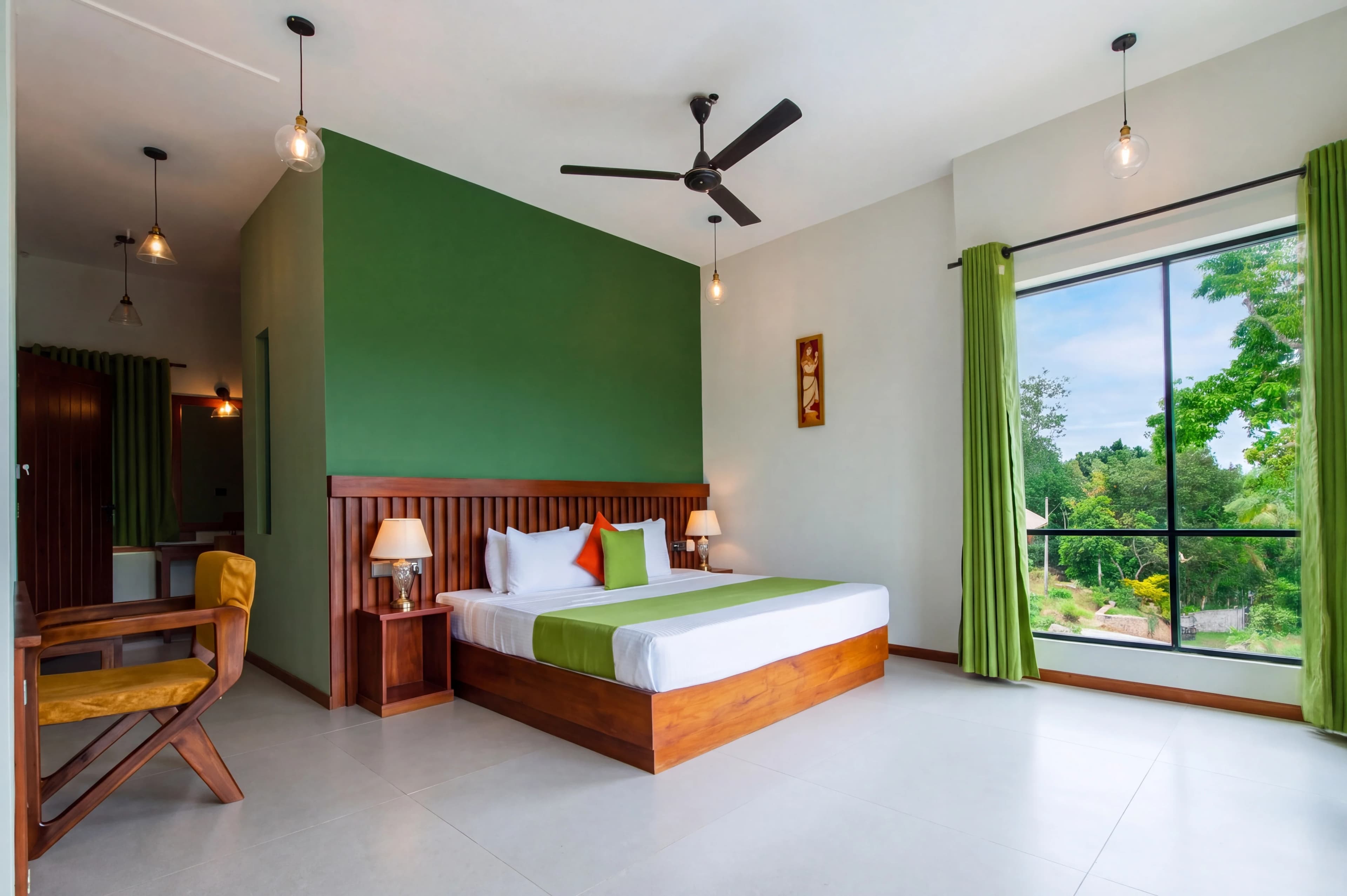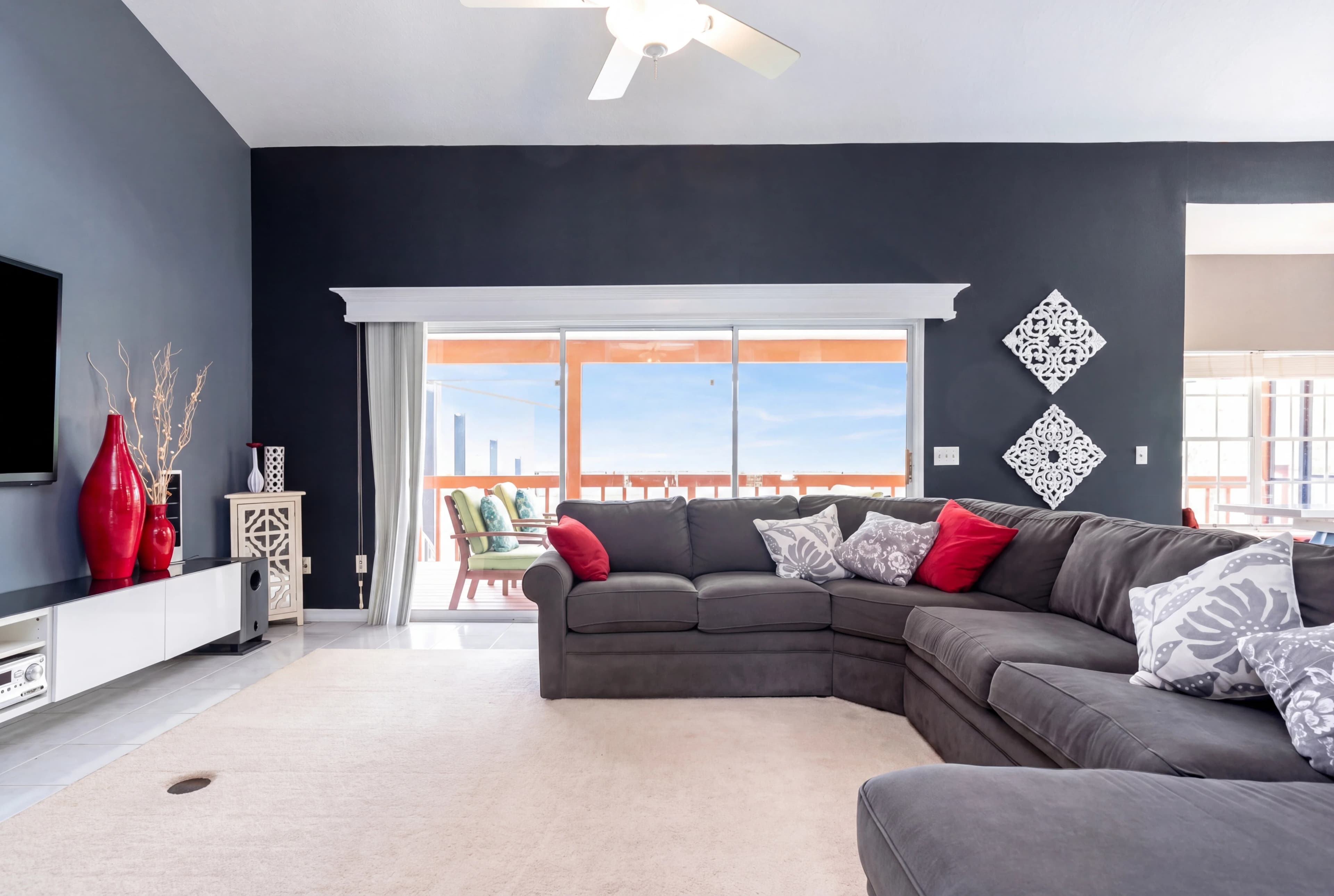
Every real estate photographer knows the frustration: you expose the interior perfectly, and the windows behind the room blow out to a featureless white rectangle. You expose for the windows, and the interior falls into shadow. The camera can't capture both at the same time — the dynamic range between a bright exterior and a shaded interior is simply too wide.
Window pull is the technique that solves this. Done well, it restores exterior detail through windows while keeping the interior exposure natural — making rooms feel brighter, more spacious, and connected to the outside world.
Why Windows Blow Out in Real Estate Photos
The human eye adapts continuously to changing brightness levels. Standing in a room, you can see the furniture clearly and see the garden through the window simultaneously. Your eye is constantly adjusting exposure across your field of view.
Camera sensors can't do this. They commit to a single exposure value for the entire frame. For a typical residential interior lit by artificial light, the correct exposure might be f/8, 1/60s, ISO 400. At those settings, a bright exterior seen through the window might be 4–6 stops brighter — well beyond what the sensor can record without clipping to pure white.
The result: a room that looks nicely exposed, with windows that look like white rectangles on the wall.
What Window Pull Achieves
A properly executed window pull produces:
- Exterior view restoration — buyers can see the garden, yard, street, or view that the window looks out onto
- Natural light appearance — the window area looks like it's letting in light, not blocking it
- Spatial depth — windows with visible exteriors make rooms feel larger and more connected to the outdoors
- Accurate property representation — a view or yard is often a selling point; blown-out windows hide it entirely
The Manual Approach: HDR Bracket Blending
The traditional technique requires capturing multiple exposures at the time of shooting:
- Bracket the shot — capture the same frame at 3–5 exposure levels (e.g., -2, -1, 0, +1, +2 EV)
- Identify your window exposure — one darker exposure will show exterior detail through the windows
- Mask the window area — in Photoshop or Lightroom, create a luminosity mask or manual selection around each window
- Blend the exposures — composite the darker (window-correct) exposure into just the window areas of the base (interior-correct) exposure
- Feather and refine — blend the edges so the transition from interior to window looks natural
This produces excellent results but requires:
- Shooting brackets on location (you can't go back later)
- 10–20 minutes of masking per image in post
- Experience with luminosity masking and blending workflows
- Careful attention to the frame-to-frame alignment between exposures
For a 25-image shoot with 15 rooms containing windows, that's potentially 2–5 hours of window work alone.
AI Window Pull: How It Works Differently
AI-powered window pull doesn't require bracketed exposures. The model analyzes a single image and:
- Detects window regions — identifies blown-out or overexposed areas that correspond to windows and glass surfaces
- Reconstructs exterior detail — either from clipped highlight data or by synthesizing contextually appropriate exterior content (sky, foliage, architecture) consistent with the lighting direction and season
- Rebalances the room exposure — adjusts the interior around the window to look naturally lit by the now-visible exterior light source
- Blends automatically — the transition between interior and window is feathered without manual masking
The output is a single processed image — no bracketing required at shoot time, no masking required in post.
Window Pull vs. Sky Replacement: What's the Difference?
These two techniques often get conflated but address different problems:
| Technique | Problem it solves | Where it applies | |---|---|---| | Window pull | Blown-out windows in interior shots | Interior photos shot from inside the room | | Sky replacement | Dull or overcast skies in exterior shots | Exterior photos shot from outside the property |
Window pull is about the view through a window in an interior photo. Sky replacement is about the sky above a building in an exterior photo. Many listing shoots use both — window pull on interior images, sky replacement on exterior shots.
What Window Pull Cannot Fix
AI window pull works best when:
- The window frame and surround are clearly defined
- The interior exposure is correct (the problem is the window, not the room)
- There's some recoverable highlight data in the blown area
It cannot realistically reconstruct:
- A view that is genuinely obscured (facing a wall two feet away)
- Windows that have been in direct sunlight causing lens flare across the frame
- Rooms where the interior itself is also badly underexposed
In those cases, the correct solution is a reshooot with proper exposure bracketing.
Best Practices for Shooting with Window Pull in Mind
Even when using AI correction in post, shooting habits affect results:
- Expose for the interior — aim for a well-exposed room; AI can pull windows from a reasonable interior exposure, but needs the room detail to be there
- Avoid direct sun hitting the lens — shade your lens or shoot at an angle when direct sun creates flare through windows
- Shoot during the golden hour for exteriors — if the window view matters (pool, garden, skyline), the view looks best in softer morning or afternoon light
- Note the view direction — AI window reconstruction is more convincing when the exterior content (sky, trees, buildings) is contextually appropriate for the real view direction
Window Pull in Listing Galleries
In a typical listing shoot, window pull is most impactful on:
- Living rooms and great rooms — large picture windows or sliding doors are often the room's best feature
- Primary bedrooms — windows facing a garden or wooded view are selling points
- Kitchens with garden windows — helps the kitchen feel brighter and more connected
- Dining rooms — windows looking onto a deck or yard support indoor-outdoor living positioning
Secondary rooms (utility rooms, closets, bathrooms without views) benefit less — the effort there is usually not worth it.
With fotolabs, window pull is applied automatically as part of every processing run. Upload your interior shots, and the AI identifies and corrects blown-out windows without any additional steps or settings.