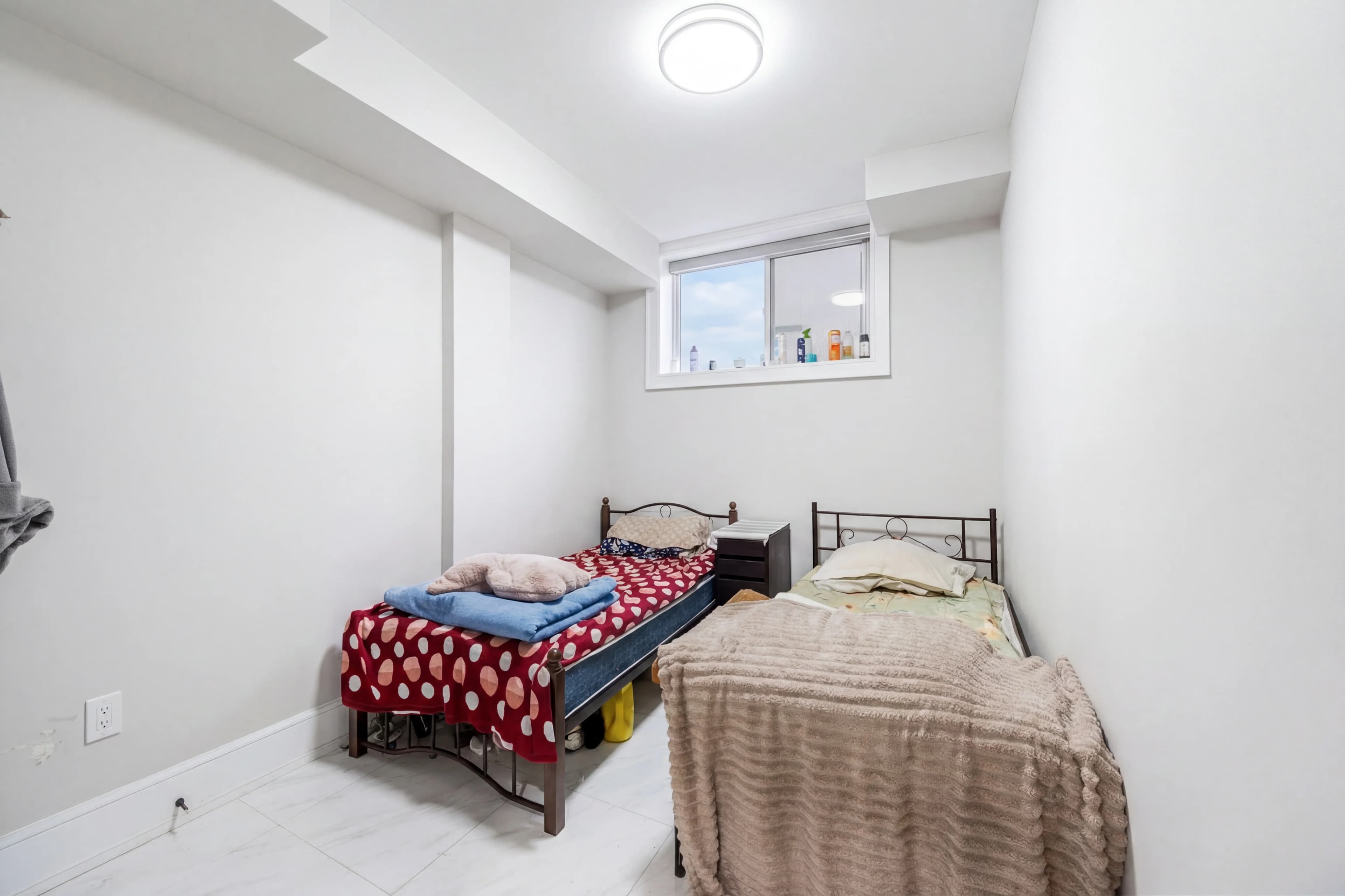
A busy real estate photographer might shoot 5–8 properties in a week. Each shoot produces 25–80 photos. That's potentially 500 images sitting in a Lightroom catalog by Friday — all waiting to be color-corrected, exposure-adjusted, perspective-corrected, and delivered to clients by Monday.
Batch editing is what separates photographers who can scale their business from those who are permanently buried in post-production. Getting it right means understanding where consistency is achievable through automation, where human judgment still matters, and which tools handle what.
Why Real Estate Is Ideal for Batch Processing
Real estate photography is more amenable to batch editing than most genres because:
- Consistency is the goal, not variety. All 30 photos of a listing should look like they belong together — same color treatment, same exposure style, same white balance baseline. That uniformity is a feature, not a limitation.
- The content is predictable. Rooms, exteriors, and outdoor spaces share common lighting patterns, color palettes, and subject matter. A model or preset calibrated for residential interiors applies reliably across images.
- Delivery speed matters. Agents expect 24–48 hour turnaround. The faster the post-production workflow, the more shoots a photographer can take.
The Lightroom Batch Workflow
For photographers who process in Lightroom, batch editing follows a structured sequence:
1. Cull Before You Edit
Remove technically unusable images first: out-of-focus shots, motion blur, badly misframed exposures, blinks if people are present, duplicate brackets where one is clearly superior. Culling to your best selects before any processing keeps the batch smaller and the editing faster.
Target a deliver ratio of 25–35 photos for a standard residential shoot, 50–80 for luxury properties.
2. Set a Global Baseline on One Image
Select a representative interior shot — a bright, well-lit room with both natural and artificial light — and apply your global adjustments:
- White balance (your baseline temperature for the shoot's lighting conditions)
- Exposure correction
- Lens correction (enable automatically for your specific lens)
- Chromatic aberration correction
- Noise reduction (consistent ISO from shoot to shoot makes this automatable)
This is your "hero edit" — the foundation for the entire shoot.
3. Sync to All Similar Images
Select all interior images, "Sync Settings" from the hero edit. Every image in the selection gets the same baseline adjustments. Then:
- Review each image and make individual corrections for rooms with significantly different lighting
- Fix the outliers: the particularly dark closet, the bathroom with fluorescent lighting, the room with direct sunlight
The batch sync handles 70–80% of the editing. Individual tweaks handle the remainder.
4. Process Exteriors Separately
Exterior images have a completely different exposure profile than interiors. Create a separate hero edit for exterior shots and sync those as a group. Key exterior adjustments:
- Cooler white balance (daylight, 5,500–6,500K)
- Sky exposure separate from building exposure
- Lens vignette correction
5. Export in Batch
Lightroom's export module handles the full gallery in a single pass. Standard delivery specs for MLS:
| Platform | Max resolution | Format | Max file size | |---|---|---|---| | Zillow | 2,048 × 1,536 px | JPG | 10 MB | | Realtor.com | 2,048 px (longest edge) | JPG | 5 MB | | MLS (varies) | 1,600–3,000 px | JPG | 2–10 MB | | Print marketing | Full resolution | JPG or TIFF | No limit |
Export a full-resolution set and a web-optimized set in the same job. Deliver both to clients so they have files suitable for both MLS upload and print brochures.
Where Manual Batch Editing Breaks Down
The Lightroom batch workflow works well until it doesn't:
Mixed lighting across a shoot — a property where every room has different lighting (incandescent in one, LED in another, fluorescent in the bathroom, bright south-facing windows in the kitchen) can't be handled by a single baseline sync. Each room type may need a separate hero edit.
Significant technical problems — if multiple images need perspective correction, window pull, object removal, or camera reflections fixed, each is a separate manual workflow. These don't batch.
High-count luxury shoots — 70 photos with 15 rooms, each requiring individual attention, doesn't batch efficiently in Lightroom even with a good workflow. The marginal time per image stays high.
Tight turnaround — 24-hour delivery on a same-day shoot leaves minimal time for manual passes.
This is where AI batch processing changes the calculus.
AI Batch Processing: The Efficiency Leap
AI-powered real estate photo editing handles the same batch as Lightroom, but collapses the manual steps:
| Task | Lightroom batch | AI batch | |---|---|---| | Exposure correction | Manual per-image tweaks after sync | Automatic per-image | | Color correction | Sync + per-image fixes | Automatic per-image | | Window pull | Manual (HDR brackets required) | Automatic from single exposure | | Perspective correction | Manual per-image | Automatic per-image | | Object / camera removal | Manual (Photoshop) | Automatic | | Sky replacement | Separate plugin, manual | Automatic | | Style application | Preset sync | One-click, shoot-wide |
The AI processes each image individually rather than applying a global sync — which means a dark hallway gets different treatment than a bright great room, without you manually overriding the batch sync. Per-image intelligence at batch speed.
For a 30-image residential shoot, AI processing takes under 60 seconds total. The manual Lightroom workflow for the same shoot, done well, takes 45–90 minutes.
Hybrid Workflows: AI Plus Human Review
The most efficient professional workflow isn't purely manual or purely AI — it's hybrid:
- AI processes the full shoot — exposure, color, window pull, style, object removal
- Human reviews at 1x — scan the full gallery, flag any AI output that needs correction
- Manual override on flagged images — typically 3–5 per shoot, the complex cases the AI handled imperfectly
- Export — deliver the final gallery
This workflow brings the total post-production time for a 30-image shoot down to 10–15 minutes including review — the AI did the 80%, the human handled the exceptions.
Consistency: The Real Measure of Batch Quality
Speed matters, but consistency is the metric clients actually evaluate. A gallery where some photos are slightly warmer, some slightly cooler, some brighter, some darker looks like it was assembled from multiple shoots — even if the content is all from the same property.
Checklist for batch consistency before delivery:
- [ ] Whites in different rooms read as the same white (sample with eyedropper)
- [ ] No single image is dramatically brighter or darker than surrounding photos in the sequence
- [ ] Exteriors and interiors have distinct but intentional color profiles (not just random variation)
- [ ] Perspective correction applied consistently — vertical lines are straight in all images
- [ ] No camera reflections, clutter, or distracting elements survived the process
Whether you're running a Lightroom batch workflow or an AI pipeline, this consistency review is the final quality gate before client delivery.
fotolabs runs AI batch processing on your full shoot in a single job. Upload your RAW or JPG files, select a style, and receive a consistently corrected, style-applied gallery — ready for MLS delivery or client download — in minutes rather than hours.