You've shot a beautiful primary bathroom. The lighting is even, the staging is perfect, the framing is exactly right. Then you import the photo and see it: you're in the mirror. The camera on its tripod, you standing behind it, all reflected perfectly in the vanity mirror you forgot to angle away from.
Camera and photographer reflections in real estate photos are one of the most common and most distracting problems in listing photography. They pull a buyer's attention straight off the property and onto the production process — breaking the immersive experience that good photography is supposed to create.
Where Cameras Show Up in Listing Photos
The reflection problem isn't limited to mirrors. Any reflective surface in a property can capture the camera and photographer:
Bathroom vanity mirrors — the most common culprit. Bathroom photography almost always involves shooting toward the mirror over the sink. Unless the mirror is angled carefully, the camera appears dead center.
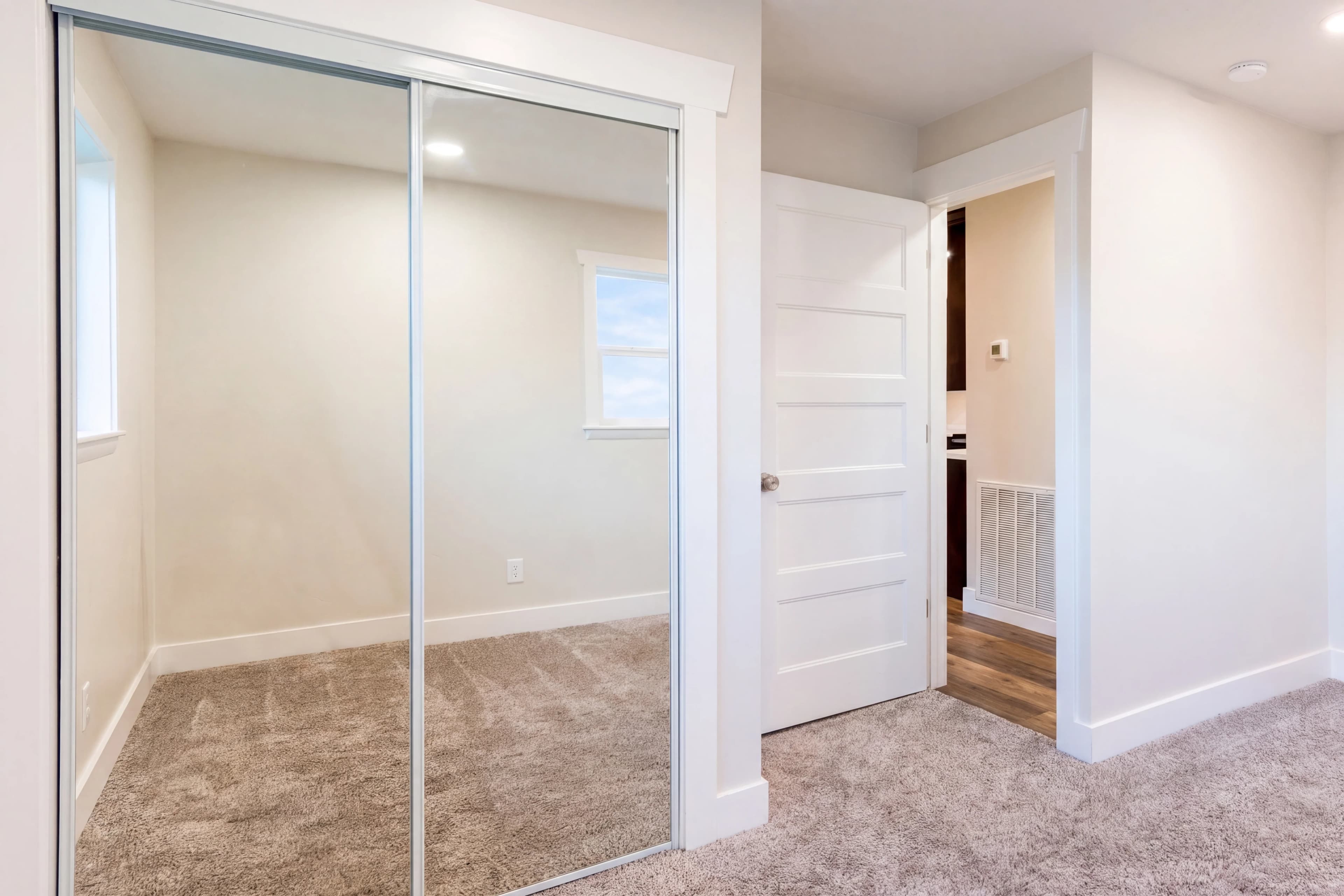
Full-length mirrors — in bedrooms and closets, floor-to-ceiling mirrors catch the full setup: camera, tripod, and photographer.
Glossy TV screens — dark, off TV screens act as imperfect mirrors. In living rooms and bedrooms, a camera at the wrong angle appears as a ghost image in the screen.
Stainless steel appliances — refrigerators and dishwashers with mirrored finishes reflect the photographer at medium distance.
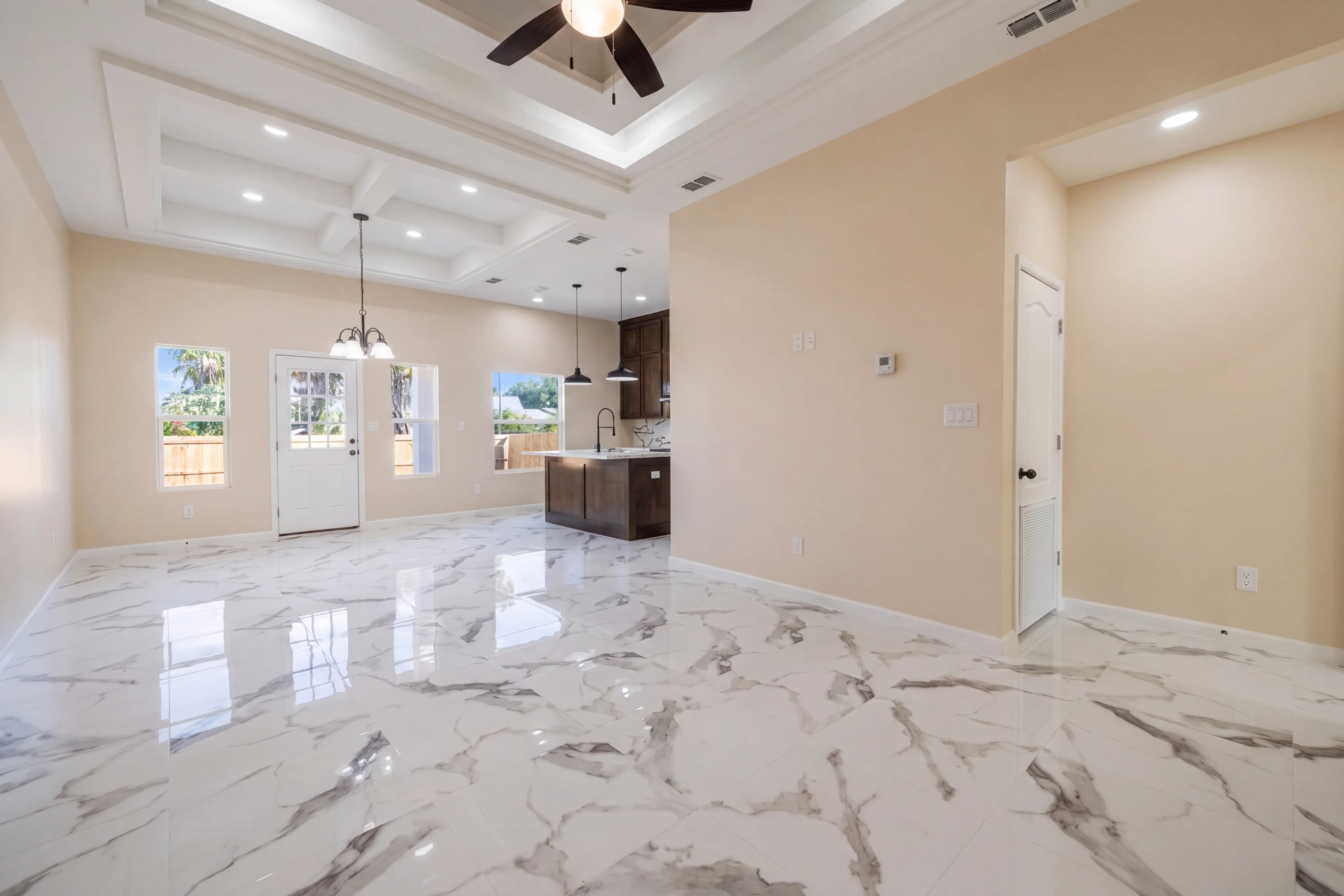
Tile and polished stone — highly polished marble floors or backsplash tiles can show camera reflections at close range.
Window glass — in dimly lit interior spaces, window glass reflects the room back at you, including whatever is on the camera side of the glass.
Why You Can't Always Avoid It at Shoot Time
The obvious fix is positioning: angle the camera so it doesn't appear in reflective surfaces. In practice, this isn't always possible:
- The most compelling angle for a bathroom is usually directly toward the vanity — which means directly toward the mirror
- Moving the camera angle away from the mirror may cut important features out of the frame
- Some rooms have multiple reflective surfaces at multiple angles, and avoiding all of them simultaneously isn't possible
- Tight spaces (small bathrooms, narrow hallways) leave little room for repositioning
The practical solution for most shoots is to shoot the best angle for the property, then fix reflections in post.
The Traditional Fix: Manual Inpainting
Before AI tools, removing a camera from a mirror required Photoshop inpainting:
- Select the reflection — using the lasso or pen tool, trace around the camera and photographer in the reflection
- Apply Content-Aware Fill — Photoshop's content-aware engine analyzes surrounding pixels and attempts to fill the selection with plausible content
- Refine and clone — content-aware fill rarely produces a perfect result on the first pass; manual cloning and healing brush work to blend the replacement into the reflection
- Match lighting — the infilled area needs to match the tonal quality of surrounding mirror content
- Review at 100% — artifacts are often only visible at full resolution
Depending on the complexity (how detailed the mirror environment is, how large the reflection is), this process takes 5–20 minutes per image. On a shoot with eight mirrors, that's potentially 2+ hours of inpainting work.
AI Camera Removal: How It Works
AI-powered inpainting approaches the same problem differently. Rather than requiring manual selection and sequential fill passes, the AI model:
- Detects the camera object — computer vision identifies cameras, tripods, and human figures within reflective surfaces as objects to be removed
- Analyzes context — the model examines the surrounding mirror content (wall, fixtures, countertop continuation) to understand what the reflection should show without the camera
- Generates replacement content — the camera region is replaced with contextually appropriate mirror content that matches the perspective, tone, and detail of the surrounding reflection
- Blends seamlessly — edges are feathered to match the natural visual noise and texture of the original mirror surface
The output is a photo where the reflection looks natural — as if a real estate photographer had somehow positioned the camera outside the room while still shooting through the door. No visible seams, no blurry fill patches, no obvious Photoshop work.
Other Objects AI Can Remove from Listing Photos
Camera removal is a subset of the broader AI object removal capability used in real estate editing. The same inpainting pipeline handles:
| Object Type | Typical Locations | Removal Difficulty | |---|---|---| | Camera / tripod in mirror | Bathroom, bedroom mirrors | Medium | | Photographer reflection | Full-length mirrors, TV screens | Medium | | Power cords and cables | Living rooms, home offices | Low | | Personal items (toiletries, medications) | Bathrooms, kitchens | Low | | Cars in driveway | Exterior shots | Medium | | Trash bins | Exterior, garage | Low | | Furniture in staging | When decluttering is needed | High | | Power lines | Exterior sky shots | Medium |
Shooting to Minimize Reflection Problems
Even with AI correction available in post, some shoot habits reduce the severity of reflection problems:
Turn off the TV. A black TV screen is far more reflective than a powered-on screen (which emits its own light). If you're photographing a room with a TV, either power it on (and replace the screen in post if needed) or position your angle so the screen isn't visible.
Angle mirrors where possible. Some freestanding and hinged mirrors can be slightly rotated. A 5–10 degree angle change can move the camera out of the mirror's reflection zone without noticeably changing the room composition.
Use a remote shutter release. If you're using a remote and can step out of the frame before triggering, you only need to remove the camera and tripod — not the full photographer figure. The camera profile is easier to remove than a human silhouette.
Shoot high or low. Cameras at non-standard heights (very low or very high) are less likely to fall in the center of a mirror's reflection — where the eye naturally goes first. An extreme low angle also makes removal easier since the reflection falls in a less detailed zone of the mirror.
Flag your problem shots during import. When culling your shoot, immediately flag images with significant camera reflections. This makes the AI processing review faster and ensures no reflection images make it into the final gallery.
What the Final Image Should Look Like
A successfully camera-removed photo should be indistinguishable from an image where the camera was never there. The mirror should show:
- The room behind the camera position, as if the wall behind it were there
- Consistent lighting that matches the light direction and quality in the rest of the reflection
- Natural mirror texture and any slight surface imperfections (smudges, slight tarnish) that are present elsewhere in the glass
If you can tell post-processing happened in a mirror reflection, it needs another pass. The standard in professional real estate photography is zero visible edits — including removals.
fotolabs detects and removes camera reflections automatically as part of every processing job. Upload your shoot, and the AI handles the bathroom mirrors, the TV screens, and the stainless appliances — so your final gallery looks like a perfectly staged, photographer-free property.