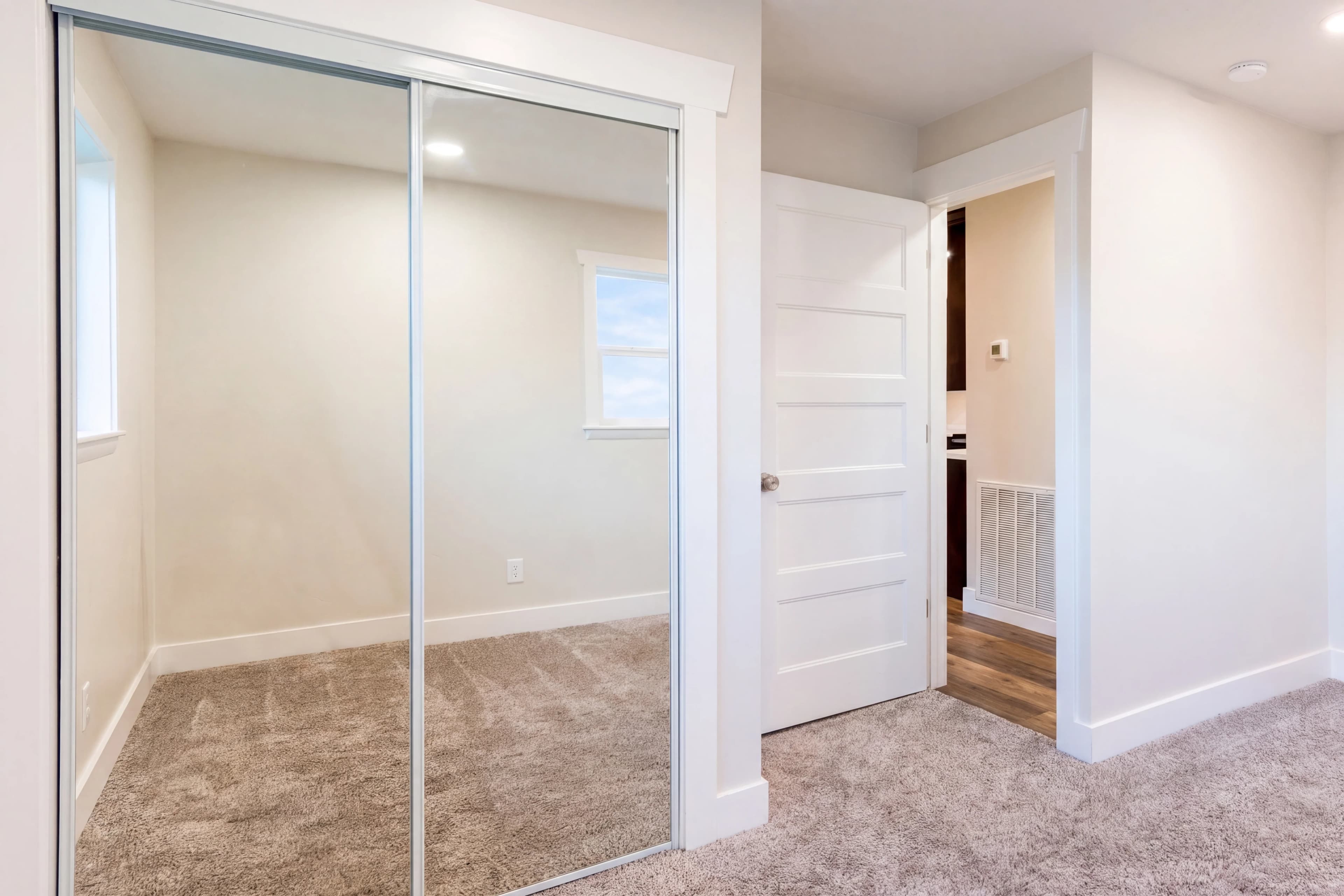
Every real estate photographer has been there: you review the listing photos after a shoot and discover a bathroom mirror that perfectly captured you, your tripod, and your camera in crystal-clear detail. Or a bedroom's mirrored closet doors reflecting the entire shoot setup. Or a black TV screen showing you in the living room. Or a stainless refrigerator with a ghostly camera silhouette visible in the polished door.
These reflections are common, they're unavoidable with standard real estate photography equipment, and leaving them in the delivered photos is not acceptable. Buyers notice. Agents notice. MLS reviewers sometimes notice.
The traditional fix is manual Photoshop cloning — time-consuming, requiring significant skill on complex reflections, and often producing visible artifacts when the background behind the photographer is varied or complex. Outsourcing costs $3–$8 per affected image.
fotolabs AI camera reflection removal handles it in 30 seconds. The model identifies the photographer and equipment in any reflective surface, removes them, and reconstructs the reflection content that should be there — room detail, lighting, architecture — without manual masking.
The reflection problem in real estate photography
Reflective surfaces appear in nearly every room of a residential property:
Bathrooms: Vanity mirrors are the most common issue. A bathroom vanity mirror typically captures the photographer's full silhouette along with the tripod and any lighting equipment. The mirror is usually large and positioned directly across from the camera position.
Bedrooms: Full-length mirrors, mirrored closet sliding doors, and mirrored wardrobe panels reflect the opposite end of the room where the photographer stands.
Living and dining rooms: Decorative wall mirrors, framed artwork with glass under direct lighting, and reflective coffee table surfaces.
Kitchens: Stainless steel appliances — refrigerators, dishwashers, ovens — create diffuse but visible reflections of the photographer and equipment. Black oven glass is particularly problematic.
TV screens: Modern large-screen TVs in living rooms and bedrooms are essentially giant black mirrors when off. A 65" TV directly facing the camera position will clearly show the photographer.
Windows: When shooting toward natural light sources (the opposite of a standard window-pull shot), the window glass itself reflects the photographer on the room side of the glass.
Polished floors: High-gloss hardwood, polished concrete, and tile can show a faint to clear reflection of the photographer and any bright equipment.
How fotolabs handles different reflection types
Bathroom mirrors with room detail visible
This is the most technically complex scenario. The mirror shows: the photographer in the center, and the actual reflected room around them — counter surfaces, tiles, lighting fixtures, door frame. The reconstruction must remove the photographer while preserving all the surrounding reflected content.
fotolabs identifies the photographer's silhouette within the mirror content, masks that region, and reconstructs it by extending the visible surrounding reflection — tiles continue behind where the photographer stood, counter surfaces extend across the gap, the ceiling reflection fills in. The result looks like the mirror was photographed without anyone present.
TV screens
Black TV screens receive two possible treatments depending on context:
-
Clean black screen: The photographer is removed and the screen is rendered as a clean, evenly-colored black panel. This is the standard treatment for most living room and bedroom setups.
-
Neutral display: For staging contexts where having some content on the screen looks more natural, the reflection is replaced with a tasteful, neutral on-screen display — subtle lifestyle imagery or a clean neutral color. This option can be requested in a touch-up.
Stainless appliances
Stainless steel creates diffuse, lower-contrast reflections. The photographer isn't usually crisply visible but creates an identifiable dark smear or silhouette in the appliance surface. fotolabs handles this as a specular highlight correction — the photographer's reflection is reduced and the surrounding stainless texture is extended smoothly across the affected area.
Polished floors
Floor reflections are typically partially transparent (showing the floor grain through the reflection) and geometrically perspective-distorted. The photographer's floor reflection appears compressed and elongated. fotolabs handles floor reflections with a perspective-aware inpainting pass that maintains the wood grain or tile pattern while removing the reflection overlay.
Window glass reflections
When a room-side window glass reflects the photographer (shooting with the window behind the camera), the reflection appears at the scale of the room space behind the camera. This is distinct from window pull scenarios. fotolabs removes the photographer's form from the glass surface while preserving any exterior view visible through the glass.
Why manual cloning is difficult for camera reflections
Photoshop Clone Stamp and Heal Brush work by copying adjacent pixels onto the problem area. For camera reflections, this is problematic:
The background is not adjacent: The content that should replace the photographer's reflection is the continuation of the reflected scene — tiles, counters, furniture — that appears around the photographer. The correct source content is spread across the entire mirror, not immediately adjacent to the reflection.
Geometry varies: Floor reflections are perspective-distorted versions of the photographer. Wood grain behind a floor reflection needs to be reconstructed with the correct grain direction and perspective compression. Simple patch cloning produces incorrect geometry.
Detail is complex: A mirror showing a detailed bathroom — wall tiles, towel bars, hardware, lighting — requires reconstructing very specific geometric patterns behind the photographer. Imprecise cloning produces misaligned tiles or discontinuous edges.
Stainless texture is directional: Brushed stainless steel has a specific grain direction. Cloning perpendicular to the grain direction is immediately visible as a seam.
AI inpainting solves these problems because it understands the scene geometry and material properties — it reconstructs what would logically be there, not just what is adjacent.
Combining camera removal with other edits
Camera reflection removal pairs naturally with other fotolabs features:
With HDR editing: Bathrooms are particularly prone to both blown-out mirror-wall lighting and photographer reflections. Running HDR + camera removal in the same pass gives you a properly exposed bathroom photo without any trace of the photographer.
With object removal: Sometimes the photographer isn't just in the mirror — equipment was left on the floor or a light stand is visible at the edge of the frame. Object removal handles the direct scene objects; camera removal handles the reflective appearances.
With virtual staging: If you're staging a bedroom that has a mirrored closet, run camera removal first (to clean the pre-staging shot), then virtual staging (which will add furniture consistent with the cleaned mirror content in the staged result).
Pricing
Camera reflection removal is included in all paid fotolabs plans:
- Essential ($25/listing): 50 images, all features, 3 touch-ups
- Ultimate ($30/listing): 100 images, 5 touch-ups, priority processing
Outsourced camera removal: $3–$8 per affected image from professional retouching services.
For a 5-image bathroom/bedroom batch with mirror reflections: $15–$40 outsourced vs. included in your fotolabs listing fee.
Try camera reflection removal free
Upload a listing photo with visible reflections and see fotolabs camera removal on your actual shots. Free plan includes 30 processed images per listing, watermarked. No credit card required.