Real estate interior photography has a fundamental geometric problem. The ideal focal length for showing a room — 12–16mm full-frame equivalent — produces significant barrel distortion and converging verticals. The camera is always shooting from below room height (you can't get above the ceiling), which creates the classic keystoning effect: walls appear wider at floor level than at ceiling level, like a trapezoid instead of a rectangle. Vertical lines lean. Corners converge. The room looks smaller than it is, and less architecturally coherent.
Professional photographers correct this in post-processing as a standard part of their workflow. It's not optional — uncorrected listing photos look amateur in any market where buyers have seen professional photography, which is everywhere.
fotolabs AI perspective correction identifies the architectural geometry in your photos and straightens it automatically. Leaning walls become vertical. Converging building facades straighten. Wide-angle interiors look like rooms, not funhouse halls. Results in 30 seconds, no Lightroom license required.
The geometry of the problem
To understand why perspective correction matters, it helps to understand why the distortion occurs.
Keystoning: When you tilt a camera upward to capture a tall room, the top of the frame is farther from the lens than the bottom. Objects at the top appear smaller. Vertical lines converge toward the top. This is the same effect as looking up at a skyscraper and seeing it appear to narrow at the top — correct perspective geometry, but visually wrong for real estate because we're used to seeing rooms from a standing position where everything is parallel.
Barrel distortion: Wide-angle lenses bow straight lines outward at the edges of the frame. A perfectly straight wall corner photographed with a 12mm lens appears to curve outward at the edges. This is lens distortion (not perspective), corrected with lens profiles in Lightroom or automatically by fotolabs.
Horizontal skew: Even a camera perfectly level on a tripod produces horizontal perspective distortion when shooting a non-square room at an angle. The far wall appears to converge toward the shot's vanishing point. Correcting this helps rooms read as their true size and proportions.
In practice, a typical real estate interior photo needs all three types of correction simultaneously. Lightroom's Auto Transform and Level functions handle this partially, but they're working from mathematical lens models. fotolabs works from the actual geometry visible in the image — the edges, corners, and parallel planes the model detects.
Interior perspective correction
Interior rooms are where perspective correction has the most visible impact on listing quality.
Vertical correction (keystoning): The most common and most damaging type. When the far wall of a living room appears to slope inward at the top, the room reads as unstable and smaller than it is. Corrected verticals restore the visual stability of the architecture — the room reads as a proper rectangular space, depth cues work correctly, and buyers can more accurately assess the proportions.
Floor/ceiling plane correction: In wide interiors, the floor and ceiling should appear as parallel horizontal planes. Distortion causes them to appear to converge toward the center of the frame. Correction restores the parallel relationship, which is the visual signal the brain uses to perceive "large room."
Door and window frame alignment: Door frames should be perfectly rectangular. In an uncorrected photo, they often appear slightly trapezoidal. Buyers consciously or subconsciously notice when something architectural is "off" — corrected frames eliminate this unease.
Corner sharpness: The corners of a room — where two walls meet the ceiling and floor — should be hard, clean edges. Distortion softens and curves these intersections. Correction restores the clean geometry that signals quality construction.
Exterior perspective correction
Building facades have their own perspective challenges, particularly for ground-level shots looking at the house:
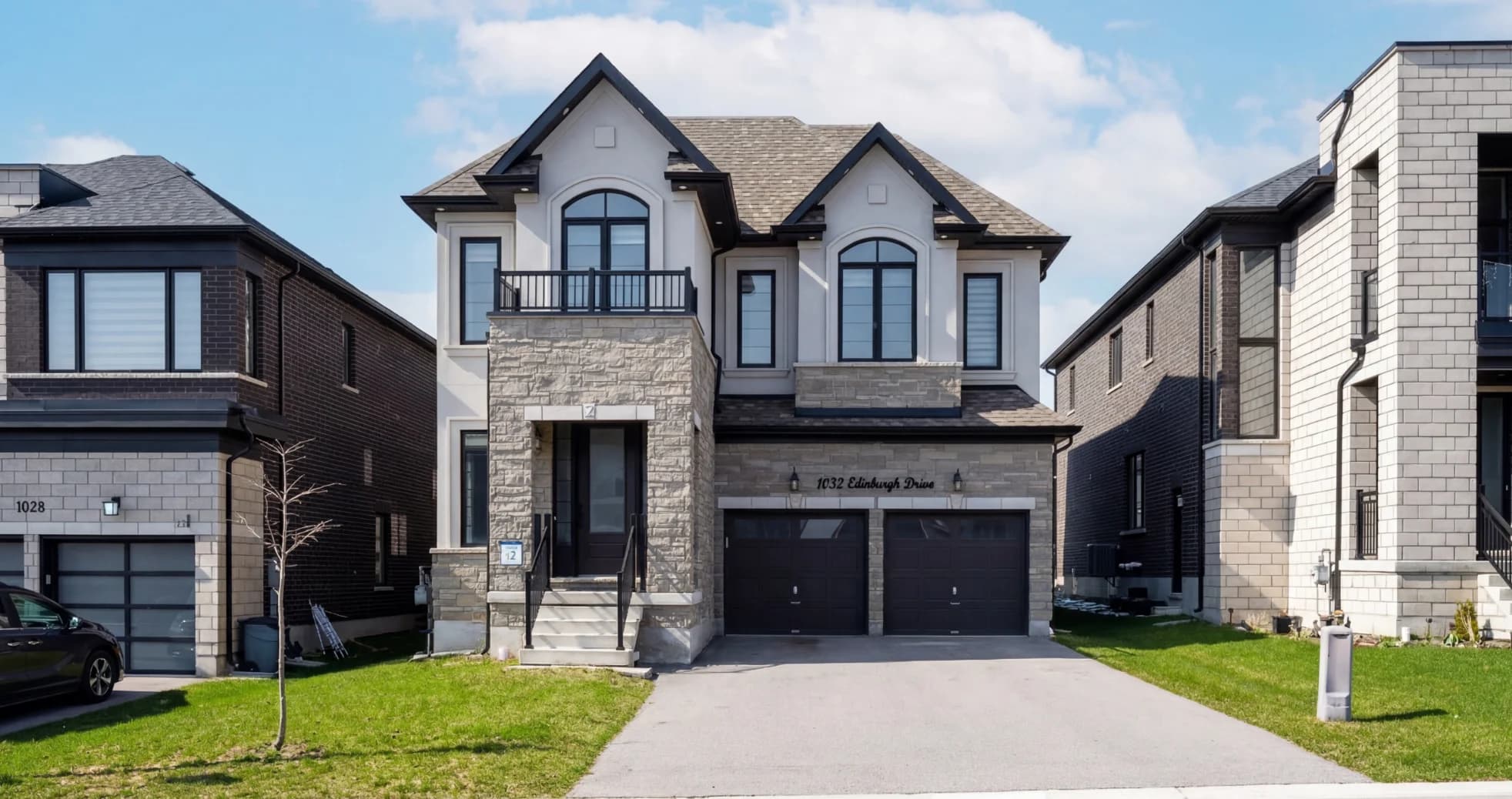
Facade lean-back: Standing in front of a two-story house and shooting the facade from 20 feet away with a wide-angle lens produces visible lean-back — the second story appears to recede, making the house look like it's tilting away from the viewer. Perspective correction pushes the vertical lines back to parallel, restoring the building's natural upright stance.
Horizontal distortion on wide lots: Shooting a wide ranch-style property at 24mm from 50 feet away produces horizontal distortion that makes the property appear barrel-shaped. Correction restores the straight lines of the roofline, siding courses, and driveway edge.
Aerial and drone perspective: Drone photos shot at angles (not perfectly overhead) require horizon alignment and vertical correction to make buildings appear properly upright from the aerial perspective. Perpendicular lines that should be parallel often need restoration on angled aerial shots.
How fotolabs perspective correction works
fotolabs uses semantic geometry analysis rather than mathematical lens profiles:
- Geometry detection: The model identifies structural lines in the image — wall edges, door frames, baseboards, window sills, roof lines — that should be geometrically straight
- Reference plane estimation: It determines what the reference horizontal and vertical planes are for this scene (floor, ceiling, exterior walls)
- Correction calculation: It computes the minimal transformation that aligns detected lines to true horizontal/vertical while preserving the most useful content
- Content-aware crop: It crops the output to the largest usable rectangle after transformation, using a content-aware algorithm to minimize loss of important elements
The output is a geometrically correct version of the photo with straight verticals, parallel horizontals, and accurate proportions.
Perspective correction vs. Lightroom Auto Transform
| fotolabs | Lightroom Auto Transform | |
|---|---|---|
| Input required | JPEG or RAW | RAW with lens profile, or JPEG |
| Correction basis | Detected scene geometry | Mathematical lens model |
| Complex interiors | Excellent | Good (may over-correct) |
| Missing metadata | Works | Degrades significantly |
| Crop control | Content-aware automatic | Manual or Auto |
| Batch processing | Per-listing project | Per-image in Lightroom |
| Turnaround | 30 seconds in fotolabs | Requires Lightroom license and manual review |
For photographers already in a Lightroom workflow, fotolabs perspective correction is most valuable as a quality control check and for the cases where Auto Transform produces a poor result. For agents shooting on iPhone or mirrorless without lens profiles, fotolabs provides correction that would otherwise require manual masking.
The size effect: how perspective correction makes rooms look larger
This is the most practically useful — and least discussed — benefit of accurate perspective correction.
When a room is photographed with uncorrected keystoning, the walls appear to converge toward the top. The brain interprets converging lines as depth cues (things get smaller as they get farther away). This causes the brain to underestimate the size of the room — it looks like a room with walls that converge at the top rather than a room with proper ceiling height.
Correcting the verticals restores the brain's ability to read depth cues accurately. A 10-foot ceiling reads as 10-foot. A 15×18 living room reads as 15×18. The room hasn't changed — the camera's distortion was making it appear smaller, and the correction removes that distortion.
For small rooms in particular — a guest bedroom, a galley kitchen, a bathroom — this effect can dramatically improve how buyers perceive the space. A room that photographed as "tight" with bad perspective can read as "cozy but workable" after correction.
Try perspective correction free
Upload an interior or exterior listing photo and see fotolabs perspective correction on your actual shots. Free plan includes 30 processed images per listing, watermarked. No credit card required.