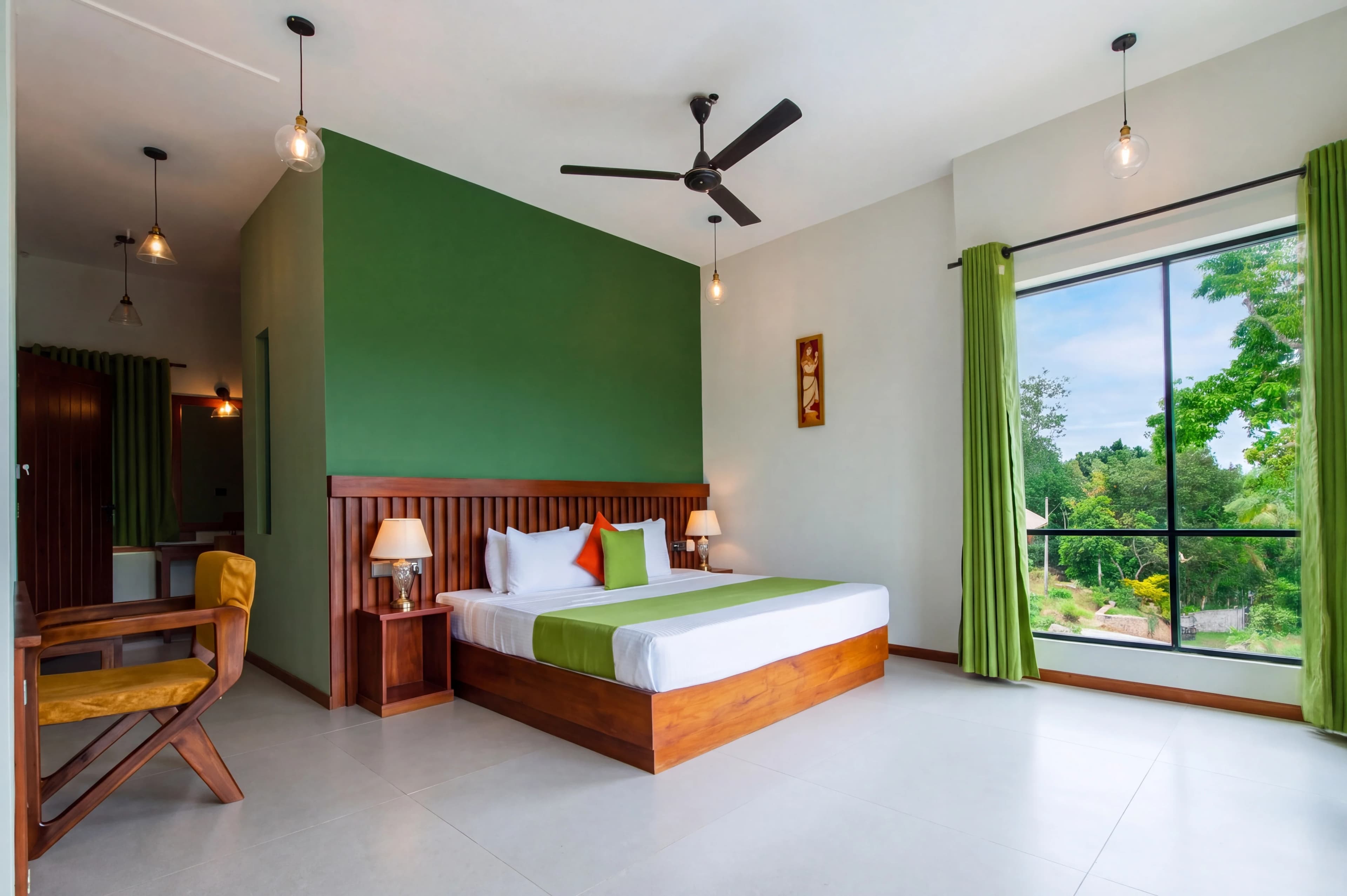
Color is the single most subtle and most important quality signal in real estate listing photography. Buyers looking at a photo may not consciously notice a 200K white balance shift — but they will feel that something looks "off" or "cheap" without being able to articulate why. The room that felt warm and inviting in the agent's iPhone photo looks greenish and institutional in the MLS listing because the fluorescent kitchen light pulled the color temperature to 3200K and the auto white balance couldn't compensate.
Real estate photographers deal with the hardest lighting situations in commercial photography: mixed natural and artificial light sources, color temperatures ranging from 2700K tungsten to 6500K daylight, fluorescent tubes in commercial-grade kitchens, LED lighting with inconsistent CRI ratings, and exteriors shot in conditions from overcast grey to golden-hour orange.
fotolabs AI color correction handles these situations automatically. Every photo you upload receives intelligent color analysis — white balance correction, color cast elimination, and consistency calibration across your full listing shoot — delivered in the same 30-second processing window as HDR and perspective correction.
Why color is harder in real estate than other photography genres
Portrait photographers control their lighting. Product photographers use calibrated studio lights. Real estate photographers walk into whatever lighting the homeowner has installed, and it changes every room.
The specific challenges:
Mixed color temperature rooms: A living room with natural light from a south-facing window (5500–6500K daylight) and three table lamps with warm Edison bulbs (2700K) creates a scene with a 4+ stop difference in both brightness AND color temperature between the two zones. Auto white balance picks a compromise that makes one zone correct and the other wrong.
Fluorescent kitchen and bath lighting: Older fluorescent tubes (pre-LED) produce a characteristic green-magenta color cast that's invisible to adapted human eyes but very visible in camera. Modern LED panels can have poor color rendering that makes surfaces appear desaturated or with a subtle color cast not apparent until the photo is displayed on a calibrated monitor.
Orange cast at twilight and golden hour: Exterior photography near sunset produces a warm orange cast that's beautiful on facades but makes wooden floors appear red, white trim appear cream, and light grey walls appear peach in interior shots taken during the same visit.
Overcast grey cast: Exterior photography on overcast days produces a cool, flat, blue-grey cast that makes landscaping look dull and facades look institutional. The same effect appears in interior shots taken near north-facing windows on overcast days.
Mobile phone auto exposure: iPhone and Android cameras apply aggressive auto white balance and color science that optimizes for pleasing social media results rather than accurate material representation. The "Samsung warm color science" problem — a well-known issue among real estate photographers using client-provided iPhone photos — makes every interior look like it was shot in a fast food restaurant.
What fotolabs AI color correction does
The correction process operates at three levels:
Level 1 — Global white balance correction: The model identifies the dominant light source in the scene and sets the global white balance to produce a neutral result for that source. Tungsten-lit rooms are cooled; overcast exteriors are warmed; fluorescent-lit spaces have the green cast removed.
Level 2 — Spatially-aware zone correction: For mixed-light scenes, the model segments the image into zones by light source type and applies independent corrections to each zone. The daylight zone from a window gets a different correction than the tungsten zone from nearby lamps. The result is a photo where both zones look correct — not a compromise that makes one zone look good and the other slightly wrong.
Level 3 — Semantic material correction: The model uses its understanding of what things should look like — white walls should be white, stainless should be silver-neutral, wood floors should have their natural warm brown — to fine-tune the correction beyond what global white balance achieves. This is what makes a fotolabs-corrected photo look like the room rather than a photo of the room.
Shoot consistency across a full listing
The most practically valuable benefit of fotolabs color correction for listing photographers is cross-photo consistency.
Real estate photo shoots take place across many rooms, each with different lighting conditions. When photographers deliver uncorrected or inconsistently corrected photos, buyers scrolling through a listing notice:
- White walls that appear different shades in different rooms
- Wood floors that appear warm brown in one photo and cool grey in another
- A kitchen that looks bright and modern followed by a bedroom that looks dim and yellow
This inconsistency signals low-quality photography to buyers — and by extension, signals that the seller hasn't invested in presenting the property professionally.
fotolabs processes your full listing shoot as a project. When color correction is applied, it calibrates all photos in the project to a shared color identity. White is white across every room. Wood grain reads consistently. The overall warmth profile is unified. A buyer scrolling from photo 1 to photo 30 feels like they're moving through one coherent home, not a collection of randomly colored rooms.
Paint color accuracy: a practical concern
One underappreciated consequence of incorrect color in listing photos is buyer disappointment during property visits.
A listing photo with an orange cast makes a light grey accent wall appear beige. A listing photo with a green cast makes a warm white paint appear yellow-green. Buyers who fall in love with a photo of "that beautiful grey bedroom" and arrive to find warm beige feel deceived — even if the deception was accidental and technical.
Beyond buyer psychology, some real estate markets have seen MLS complaints filed over listing photos where color rendering was significantly inaccurate for key finishes like flooring, countertops, and paint. Accurate color is not just a quality issue — it's a representation issue.
fotolabs color correction is calibrated against ground-truth material representations. The target is photographic accuracy — wall colors, flooring, countertop surfaces, and cabinetry finishes that match what you would see on a calibrated display in the property.
Color correction for exterior and aerial photography
Exterior color correction addresses different problems than interior:
Facade color accuracy: Brick, stone, and painted siding all have specific colors that need to render accurately. Over-warm correction makes red brick appear orange. Over-cool correction makes warm stone appear grey and institutional.
Lawn and landscaping saturation: Overcast exterior shots produce flat, desaturated greens. Color correction lifts the saturation and warmth of grass, hedges, and trees to match the visual impression of a well-maintained lawn under natural light conditions.
Concrete and pavement accuracy: Driveways and pathways should appear as their natural grey tone. Over-warm correction makes concrete appear yellow; over-cool correction makes it appear blue-grey.
Aerial and drone color: Drone cameras have limited color science compared to professional DSLRs. Aerial real estate shots frequently need white balance correction and saturation adjustment to match the ground-level photos in the same listing set.
Color correction vs. color grading
A distinction worth making: fotolabs performs color correction (accuracy-oriented), not color grading (aesthetic-oriented).
Color grading — the cinematic look, cross-processing, film emulation — is appropriate for some real estate marketing contexts (luxury lifestyle photography, social media lifestyle shots). It is not appropriate for MLS listing photos, which should represent the property accurately.
fotolabs' baseline processing targets accurate color representation. If you need a specific aesthetic look for lifestyle or luxury marketing, you can request a style direction in your processing request, and the model will apply a consistent color grade while staying within MLS-appropriate representation bounds.
Pricing
Color correction is included in all fotolabs per-listing plans:
- Free: 30 images per listing, watermarked
- Essential ($25/listing): 50 images, no watermark, 3 touch-ups
- Ultimate ($30/listing): 100 images, 5 touch-ups, priority processing
Outsourced color correction: typically $0.50–$1.50/image from professional editing services, billed per image. For a 30-photo shoot: $15–$45 outsourced vs. included in your fotolabs listing fee.
Try AI color correction free
Upload a listing photo with visible color cast or white balance issues. The free plan includes 30 processed images per listing, watermarked. Test it on a mixed-light interior or an overcast exterior to see the difference fotolabs color correction makes on your actual photography. No credit card required.